
016_Deploy Microsoft Teams Backgrounds via Intune
Teams backgrounds Intune deployment guide Deploy Microsoft Teams backgrounds via Intune using the Windows Branding Tool. This page covers how to manage and deploy Teams backgrounds Intune-wide across your Windows 10 and Windows 11 device fleet without PowerShell scripting. Teams backgrounds Intune deployment ensures every employee has approved branded backdrops available in Microsoft Teams meetings. […]
015_Deploy Video Screensavers via Intune — Landscape & Portrait
Screensaver Intune deployment guide Deploy MP4 video screensavers via Intune using the Windows Branding Tool. This page covers how to manage and deploy screensaver Intune-wide across your Windows 10 and Windows 11 device fleet without PowerShell scripting. Screensaver Intune deployment supports both landscape and portrait screen orientations automatically. Learn more about deploying Win32 apps with […]
014_Deploy Windows Lock Screen Images via Intune — Portrait & Landscape
Lock screen images Intune deployment guide Deploy Windows lock screen images via Intune using the Windows Branding Tool. This page covers how to manage and deploy lock screen images Intune-wide across your Windows 10 and Windows 11 device fleet without PowerShell scripting. Lock screen images Intune deployment supports both landscape and portrait orientations automatically. Learn […]
013_Deploy Desktop Backgrounds via Intune — Portrait & Landscape
Desktop backgrounds Intune deployment guide Deploy desktop backgrounds via Intune using the Windows Branding Tool. This page covers how to manage and deploy desktop backgrounds Intune-wide across your Windows 10 and Windows 11 device fleet without PowerShell scripting. Desktop backgrounds Intune deployment supports both landscape and portrait screen orientations automatically. Learn more about deploying Win32 […]
012_Deploy Outlook Email Signatures via Intune — No Scripts, No Third Parties
Outlook email signatures Intune deployment guide Deploy and manage Outlook email signatures via Intune using the Windows Branding Tool. This page covers how to centralise Outlook email signatures Intune deployments across your Windows 10 and Windows 11 device fleet without PowerShell scripting or third-party services. Outlook email signatures Intune deployment has never been simpler — […]
001_Advanced Management of Desktop Wallpapers, Lock Screens, Outlook Signatures, Teams Backgrounds & Screensavers with Intune and MECM
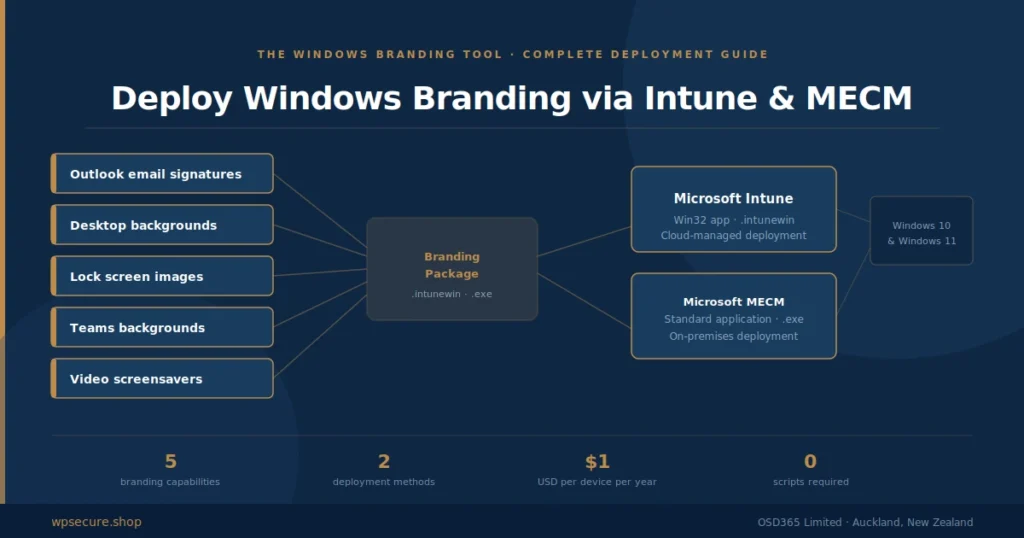
This article will discuss how to design, create, deploy, and set Windows personalization items like Outlook email signatures, desktop wallpapers, lock screen images, and video screensavers using Microsoft Intune. It will be an end-to-end guide for setting up the personalization of the above items. This article is written just for you if you run an organization with over 10000 employees and a mix of networked and cloud-managed devices. I hope you find this article informative.
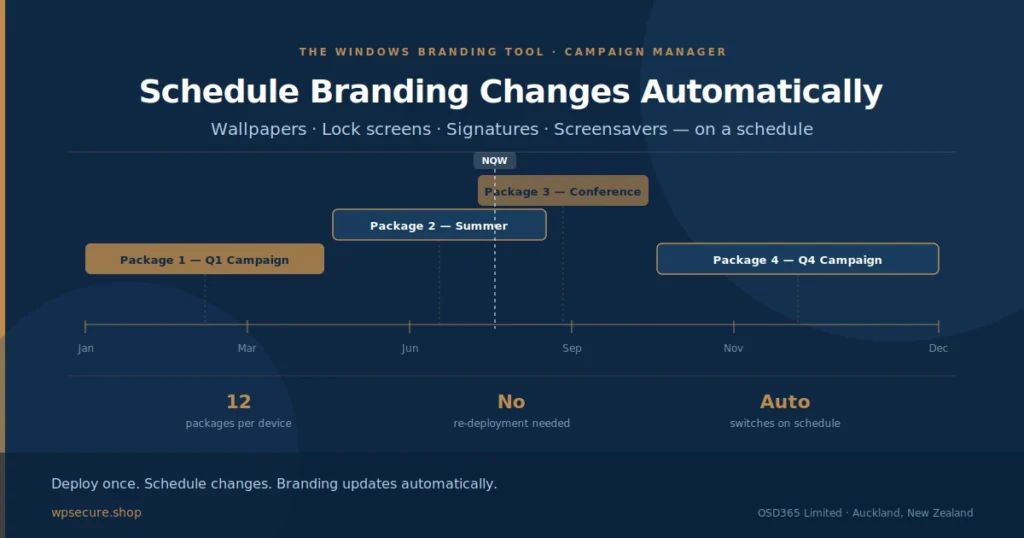
010_Changing Wallpapers, Lockscreen and Screensavers On A Schedule
Creating and deploying Outlook email signature templates to Outlook New / Outlook Web Users within your organization. Organizations can use this approach to deploy Outlook signatures like a standard application using Microsoft Intune.
011_Enterprise Computer Reboot Reminder For Organizations – Microsoft Intune
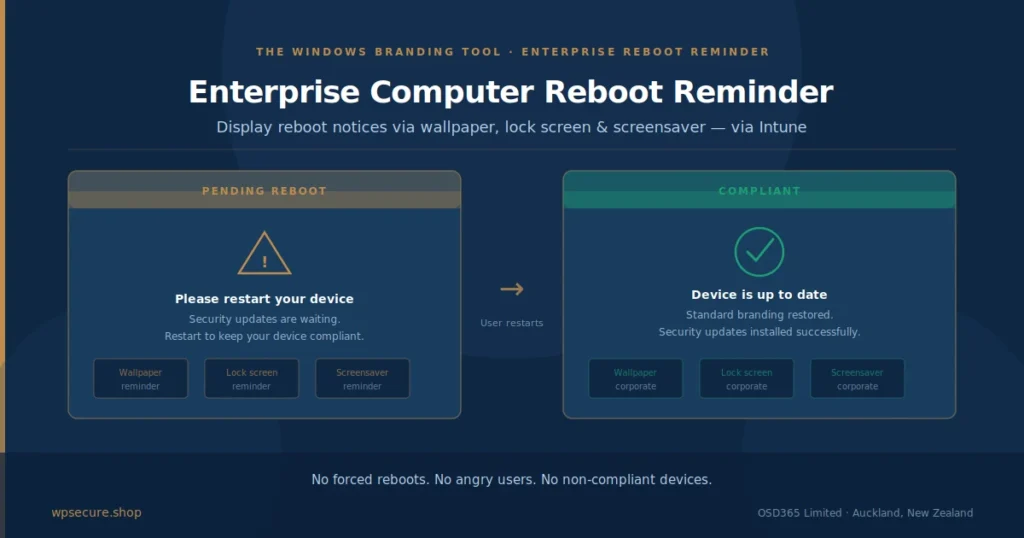
Getting Users to restart their computers is challenging because it is not their priority. IT teams are caught between a rock and a hard place with one of the two responses below. Force computers to reboot – This leads to an angry user base with lost unsaved documents. Unhealthy Windows devices that have not rebooted […]
003_Deploy Windows Lock Screen Image Using Microsoft Intune.
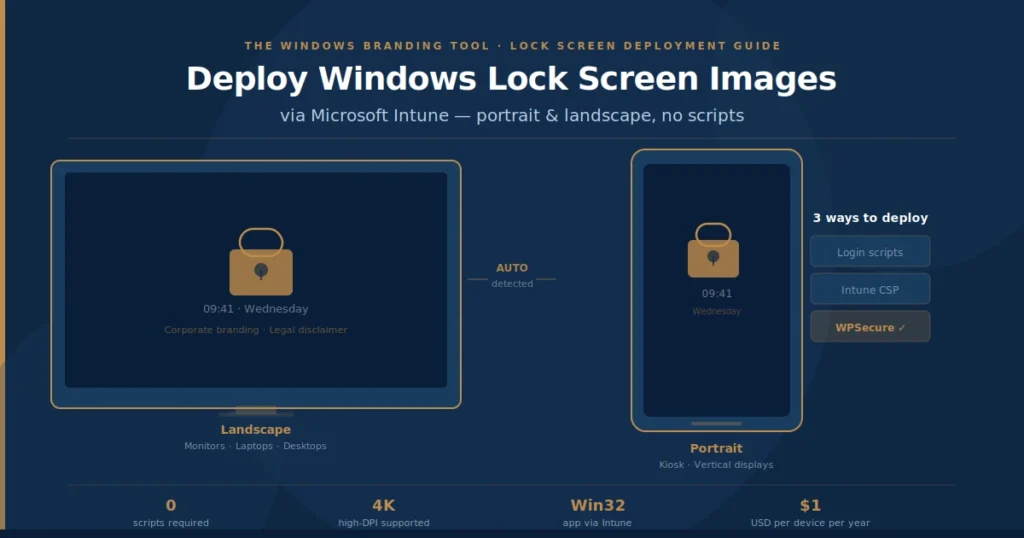
Deploy Windows Lock Screen Image Using Microsoft Intune. Organizations can deploy Windows Lock Screen images in multiple ways. Login scripts: VBScript and PowerShell scripts run when the computer starts up. Using Intune CSPs: Native to Intune are Cloud Service Provider objects that allow setting Windows Lock Screen images. Click here to see Microsoft docs. Windows […]
002_Deploy Microsoft Outlook Signature using Microsoft Intune or MECM.
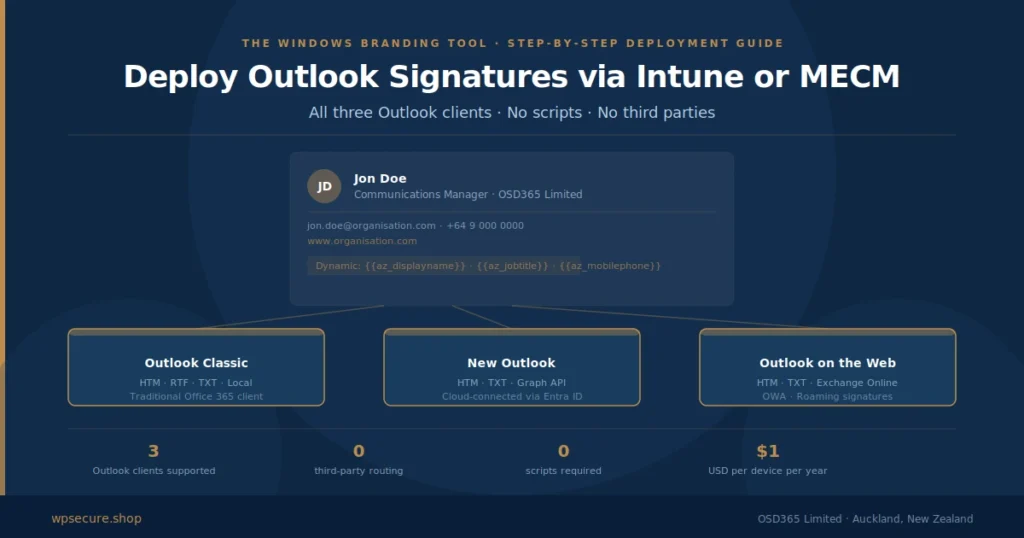
Creating and deploying Outlook email signature templates to devices within your organization. Organizations can use this approach to deploy Outlook signatures like a standard application using Microsoft Intune.