Effortless

Enterprise

Desktop Branding

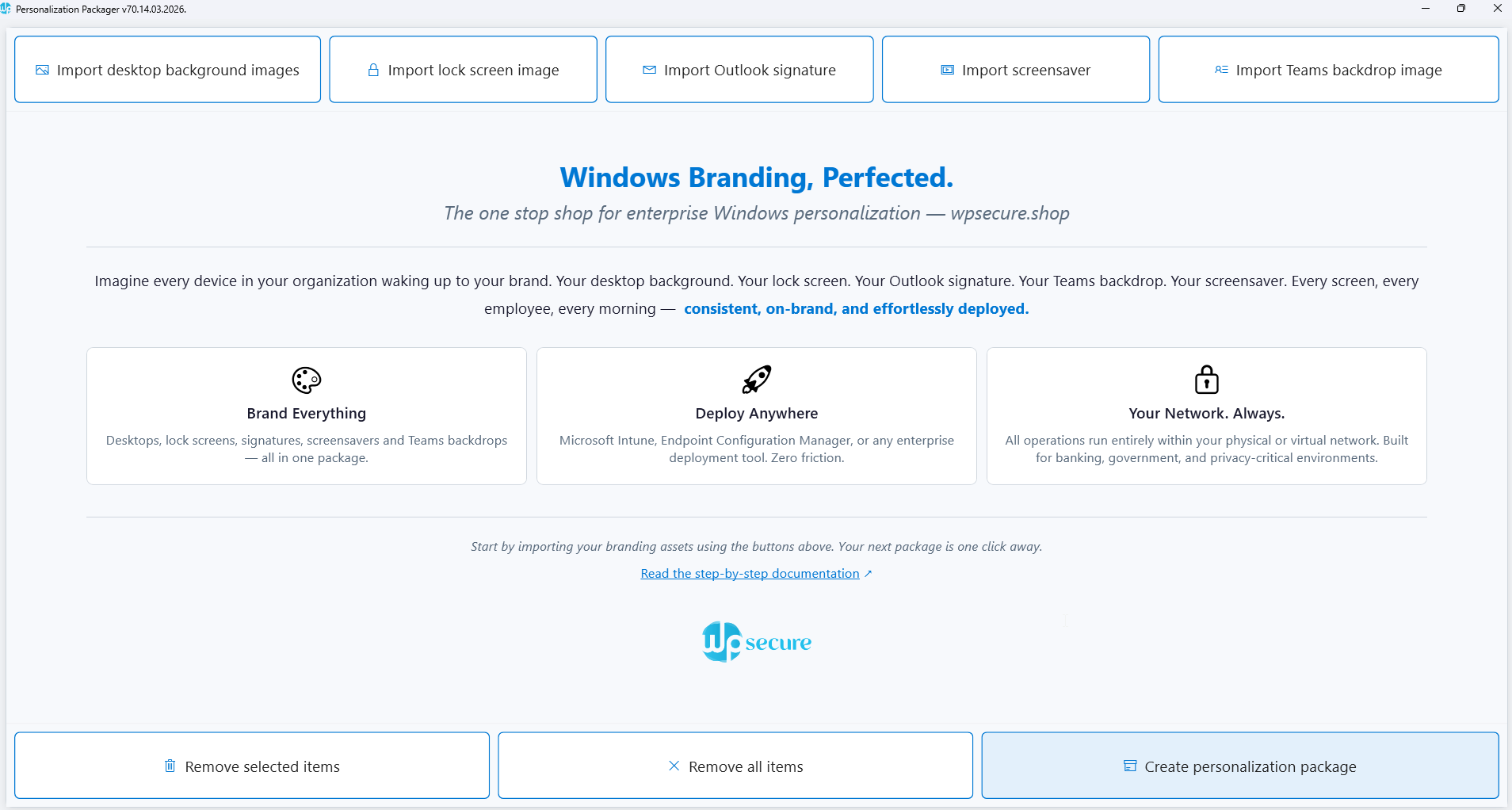
Using this tool, you can create UNLIMITED branding install packages containing Windows desktop backgrounds, lock screen images, Outlook signatures, Teams backdrop images, or video screensavers.

Deploy these packages just like you would deploy any standard application using Microsoft Endpoint Configuration Manager or Microsoft Intune.

Install 5 personalization packages per device at the most affordable price. 

1 US $ / Device / Year

CREATE BRANDING INSTALL PACKAGES FOR DESKTOP BACKGROUNDS, LOCK SCREEN IMAGES, OUTLOOK SIGNATURES, TEAMS BACKGROUND IMAGES & VIDEO SCREENSAVERS.

The WPSecure Personalization Packager, also known as the Windows Branding Tool, is a valuable tool for IT folks that lets you bundle Windows branding elements, including desktop backgrounds, lock screens, screensavers, Outlook signatures, and Teams backdrops. Then you silently deploy the bundled package across Windows 10 or 11 devices, which is super easy. It’s as easy as deploying Google Chrome or Adobe Reader DC.

Your Windows device branding journey starts here.

The Personalization Packager (also known as the Windows Branding Tool) is an excellent tool with a simple interface that helps you create powerful brand installation packages for your Windows 10 & 11 fleet, containing the following items.

Download the tool from the Microsoft Store. Click on the button on the top right of this page, and you will be guided down the right path. 

A personalization/branding package is created using the Personalization Packager (a.k.a. Windows Branding Tool).

The package makes the magic happen and brings your organization’s desktops, laptops, and tablets running Windows 10 & 11 to life.

Each package contains one or more of the following items.

You can create multiple branding packages using the Packaging tool and easily deploy them to thousands of devices using software deployment tools such as Microsoft Endpoint Configuration Manager, Microsoft Intune, or similar tools.

The WPSecure Engine does more than just set the branding items; it also resets on brand non-compliance and other events.

A device license/subscription allows you to install up to 5 branding packages on each licensed device.

The Personalization Packages were primarily designed to provide an easy and effective way of deploying and setting desktop backgrounds, lock screen images, Microsoft Outlook signatures, Teams backdrop images, or video screensavers.

But we decided to turn things up a notch. As of now, you can do the following.

And we add juicy features every month, so make sure you keep the WPSecure Personalization Packaging tool up-to-date.

After you create a Personalization/branding Package, it can be easily deployed to thousands of devices using software deployment tools such as Microsoft Endpoint Configuration Manager, Microsoft Intune, or similar tools.

Organizations can choose to deploy multiple packages side by side or remove all existing branding packages and replace them with a new branding package. After the Personalization Package is deployed, the WPSecure engine will select either the highest Package version or the one specified by the Campaign Manager for each of the following personalization items. 

All of the above personalization items are made available locally on the Windows device, so this solution is well-suited for high-security devices and for devices that do not have access to the Internet.

You can install up to 5 personalization packages side-by-side on each device.

After installing the Personalization Packager (Branding tool) from the Microsoft Store, using it is very simple. Just add one or all of the following items and create the Package.

You would require the expertise of a graphics design specialist to create the above personalization items. But you can put them together as a deployment package using the Branding tool.

After the package is created, give it to your IT staff and ask them to deploy it using your organization’s software deployment tool, such as Microsoft Endpoint Configuration Manager or Microsoft Intune.

Before deploying the package for the first time, ask your IT support staff to prepare the environment by verifying the required prerequisites and policies. Point them to the documentation page of this website. This page will walk them through a checklist.

If you have any doubts or issues, please get in touch with us. Internal communications is our expertise, and we are here to help.

Yep. We’ve done our best to create a video sequence that explains the end-to-end process for creating a branding package and deploying it using Microsoft Intune. But keep in mind, we constantly add features that might not be included in the video below. The video has the following flow.

Desktop Background Issues

    • Images appear stretched or pixelated on different screen sizes (4K vs. 13-inch laptops).
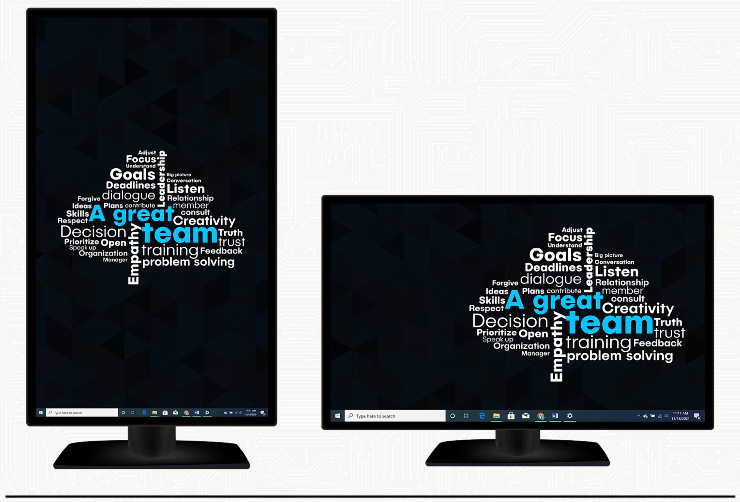
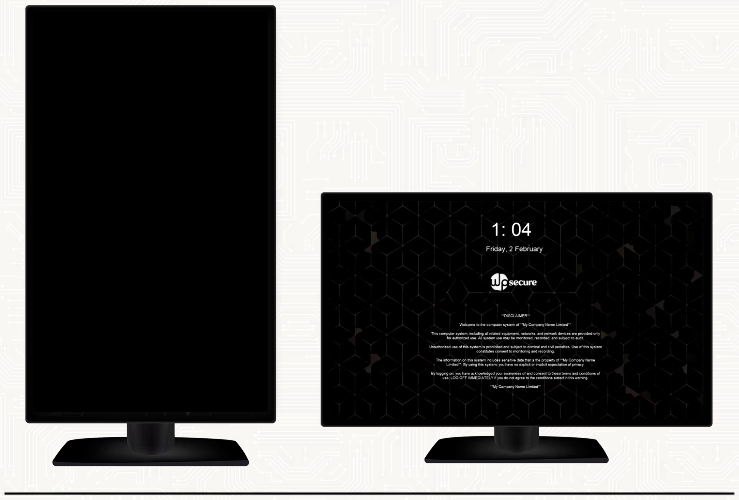
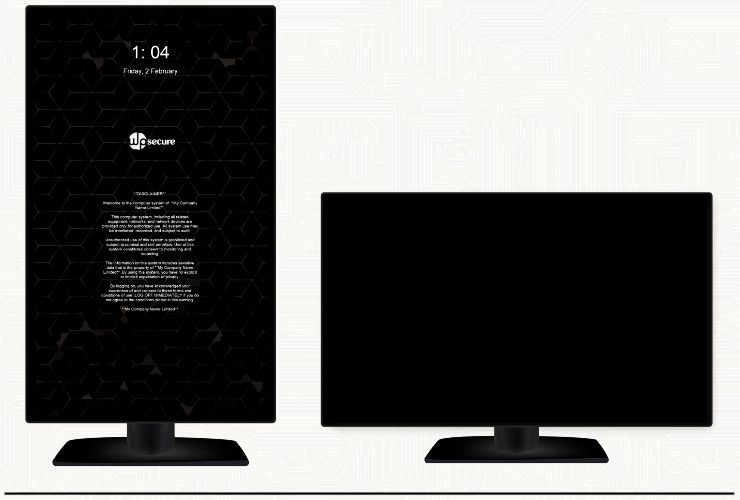
    • Horizontal images warp on vertical monitors.
    • Branding disappears after a reboot.
    • Looks unprofessional and wastes time.
    • Difficulty deploying desktop backgrounds consistently to cloud-connected, Intune-managed devices.
    • Hot desk scenarios involve different stations with varying setups.

Lock Screen Problems

    • Blurry, squished corporate badge on boot.
    • Orientation mismatch across devices.
    • Security and compliance teams flag inconsistencies.
    • HR faces embarrassment explaining poor branding.
    • Struggling to deploy lock screen images consistently to cloud-connected, Intune-managed devices.

Outlook Email Signature Issues

    • Rebranding delays: old logos persist for months.
    • MECM/Intune struggles to push HTML updates without breaking profiles.
    • Manual fixes generate hundreds of tickets.
    • Layout changes require a complete rewrite of the scripts.
    • Third-party signature solutions are often costly and only available for online devices.

Screensaver Problems

    • Slide shows flicker and look cheap.
    • Videos don’t loop smoothly or scale properly.
    • Screensavers are displayed sideways; horizontal clips are letterboxed.
    • Screensavers are not positioned correctly on high-DPI screens.
    • Lacks the wow factor.

Teams Background Issues

    • Inconsistent branding in video calls.
    • Registry hacks break after patches.
    • No professional or consistent approach.
    • Uninstalling or replacing images is such a hassle.

Deployment Issues

    • Group Policy login scripts tend to be complex and susceptible to errors, making them less ideal for modern environments.
    • Branding deployed using PowerShell scripts is challenging to customize when deploying multiple brand variations.
    • Deployment limitations when using Microsoft Intune or other Cloud-based deployment tools. 
    • Changes to branding items are often complex, requiring re-engineering of scripts/automation.

General pain points

    • Technology is not our core business, and oftentimes, technology gets in the way. We spend way too much time, money, and resources on automating the deployment of device branding. Branding is essential, but not to the detriment of our core business.
    • Managing branding in a multinational company is cumbersome. Each region, city, or country has its own local IT support teams that deploy branding in their own custom way. Different tools, scripts, procedures, and personnel are involved in the deployment; there is no standardized approach to branding.
    • Clever scripts work great until the clever person leaves. Then it’s Band-Aid on top of Band-Aid, and the system becomes a ticking time bomb; one minor tweak, and suddenly something random breaks.
    • Management has shown a preference for leveraging existing deployment platforms, such as Microsoft Intune and Microsoft Endpoint Configuration Manager, rather than incurring additional costs for premium monthly subscriptions on third-party tools.
    • Sovereignty issues. We want most of our data and operations to be local to our environment. We prefer all our tools to run within the self-governance boundaries of our on-premises and cloud network.

Reduced time, effort, and cost

If your desktop backgrounds, lock screen images, Teams backgrounds, Outlook signature templates, and screensaver videos are already designed, you can package them into a complete branding set with WPSecure Personalization Packager in just five minutes. No custom scripts or automation required.

Let your IT teams focus on the things they are actually hired to do: Exchange, Microsoft 365, Azure, or other infrastructure-related work.

Even better, the branding packages can be created by your internal communications team. They can then provide the ready-to-deploy package to the IT Staff for deployment.

Consistent, secure, local, and efficient branding deployment

The Windows branding packages are deployed and run locally. Each package deployment follows a standardized, documented process and is secured via hash verification, ensuring consistency and security across all your Windows devices.

Every aspect of the branding package will run within the governing boundaries of your on-premises or Cloud infrastructure: no third-party tenants, no data brokerage, or third-party application services.

So if you are the Government or a financial organization, where data sovereignty is paramount, none of your data leaves your network boundaries.

Centralized creation, distributed deployment

Design and build branding packages centrally, then distribute them to geographic offices, business units, or departments for local deployment. This approach works seamlessly when regional teams manage their own deployments.

Adaptable for diverse IT skillsets

System administrators often change jobs and bring varying technical expertise. Creating or deploying branding packages requires no advanced automation expertise. They are deployed like any standard application, such as Notepad++ or Google Chrome, eliminating the need for writing custom PowerShell script wrappers.

Leverage Existing Infrastructure

No additional tools are required. Use your current deployment solutions, including Microsoft Endpoint Configuration Manager, Microsoft Intune, or any other platform already in place.

Scalable for Large Organizations

The larger your organization, the greater the benefits. Centralize branding capability within a single team: design assets, create personalization (branding) packages, and have IT teams worldwide deploy them to managed Windows devices using their tools, processes, and schedules.

Managed Service Providers (MSPs)

MSPs can deliver standardized branding deployments across all client environments using WPSecure Personalization Packager. Design, package, and update branding by performing most of the work at the head office, then distribute the packages for deployment for each client without relying on custom scripts or introducing new tools. This ensures consistency, security, and efficiency across all of your clients. Charge your clients a per package fee for design, packaging, and deployment.

An MSP managing 15 clients across different industries can create branding packages centrally for each client’s Windows environment. When a client wants to update their desktop background, Outlook email signature design, video screensaver, lockscreen images, or Teams backgrounds, the MSP creates a new package and deploys it using existing tools like Microsoft Intune or Endpoint Configuration Manager without rebuilding scripts. Rinse and repeat for other clients.

You can install 5 personalization packages per device and pay only 1 US$ / Device Year.

You can use the Personalization Packager to create an unlimited number of branding packages. The devices that receive and install these packages should be licensed and can install up to 5 of them side by side. Each branding package can include one or more of the following branding items.

No, we don’t. Our focus is on delivering a high-quality product at an exceptionally low cost, just $1 per device per year.

Our guiding principle is simple: keep pricing accessible so every organization, regardless of size, location, or budget, can afford to subscribe.

No, in this beautiful world, nothing truly valuable comes without a cost. But here’s the good news: many of our customers have found a smart way to make it work.

Your subscription for the personalization and branding package deployment doesn’t have to come out of your pocket. It can often be sponsored by your IT service provider or included by a vendor as part of a broader purchase agreement.

For instance, if you’re investing $10 million in hardware or software from a vendor, you can negotiate to include WPSecure Personalization Package device licenses for your entire fleet each year as a goodwill gesture.

After all, $1 per device per year is just a drop in the bucket for multibillion-dollar organizations.

And if you’re a government department, check whether your central or federal government has already secured device licenses for all departments. It’s more common than you might think.

We can do one better. The best way to get acquainted with the product is through direct, hands-on use.

Click the download button in the top right corner of this page to download from the Microsoft Store and try the full version of the Personalization Packager (The Branding Tool).

Also, remember we are here to help. When in doubt, contact us before or after buying a subscription. We are good at what we do. We are in this for the long haul. We are in this to make your ‘Windows Branding’ perfect.

Feature-Rich Yet Simple
Windows Branding Tool

Desktop background
Customization

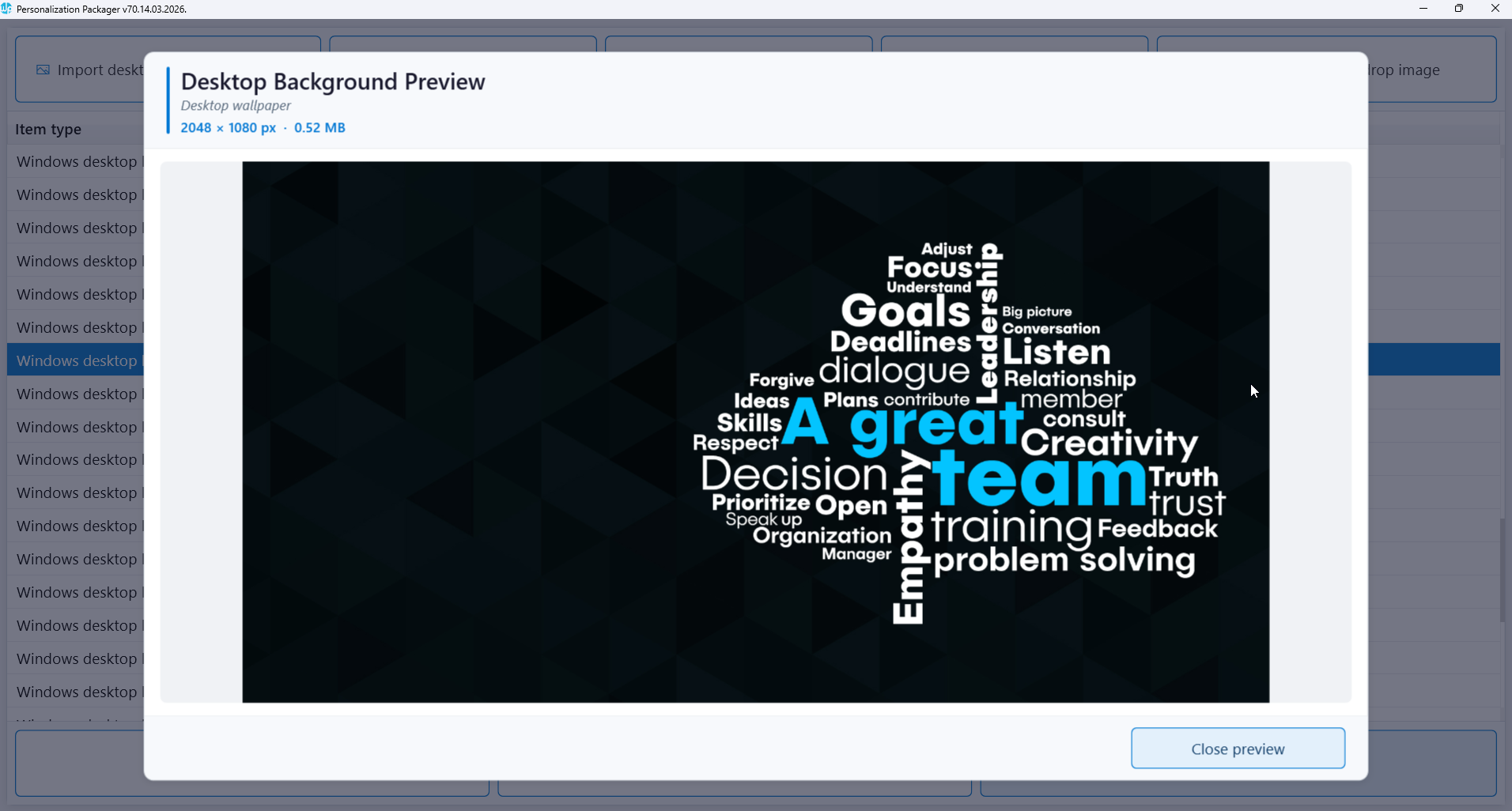
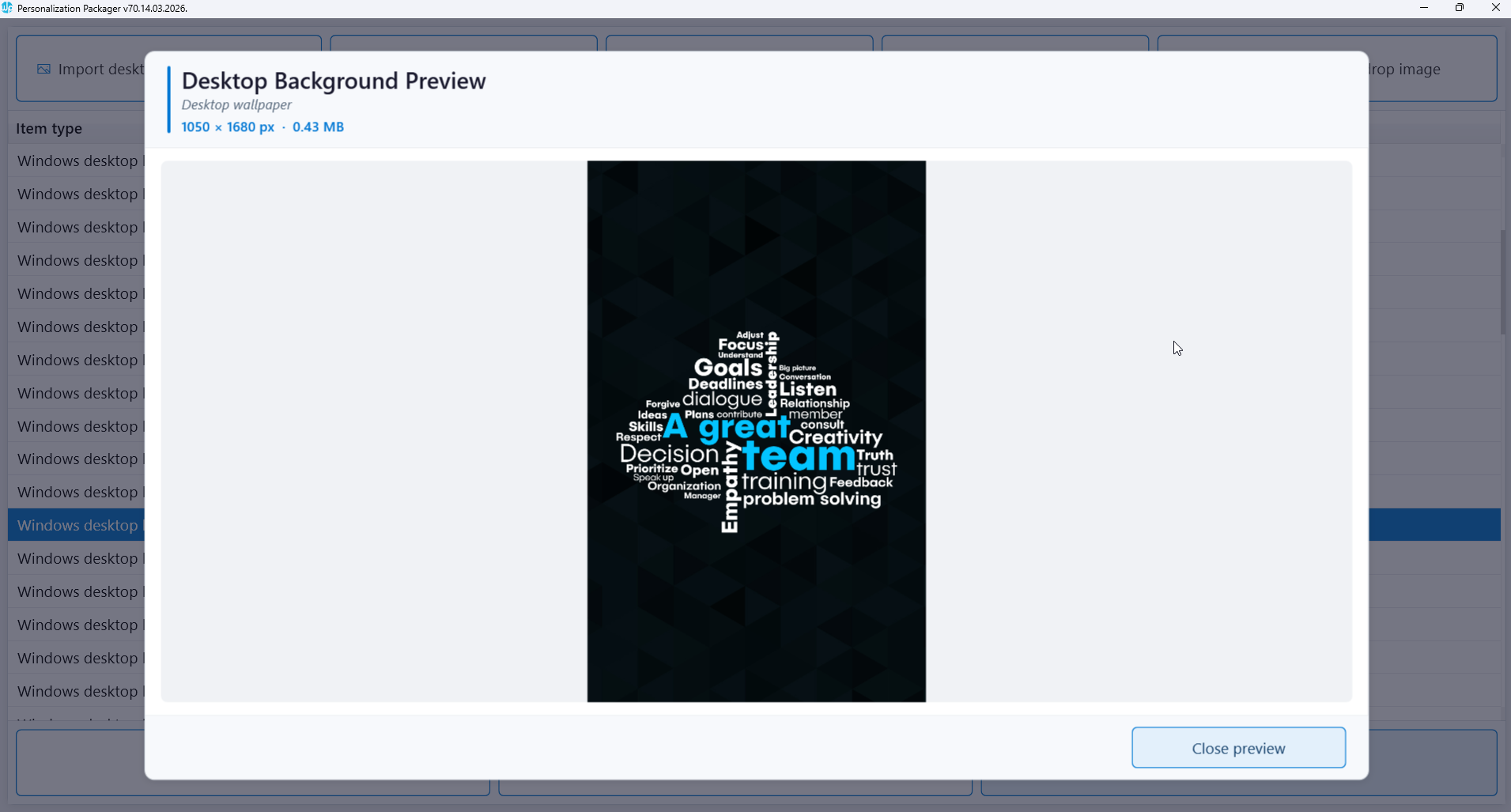
Support images for multiple screen resolutions

Compatibility with various screen orientations

Auto-adjustment to screen configuration changes

Display pending reboot messages

Standalone solution requiring no additional infrastructure

Deploy package using Config Manager or Microsoft Intune

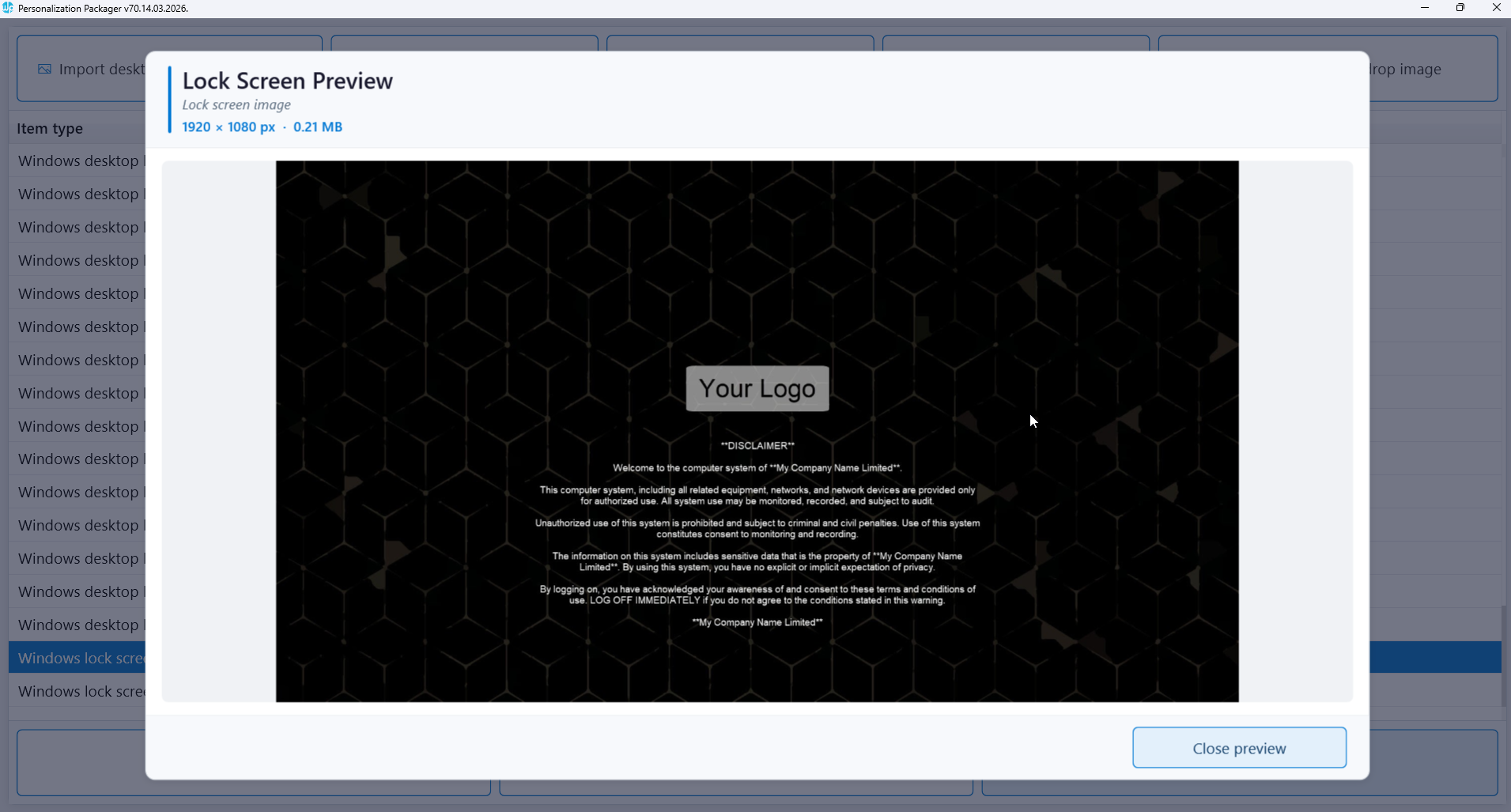
Lock screen
Customization

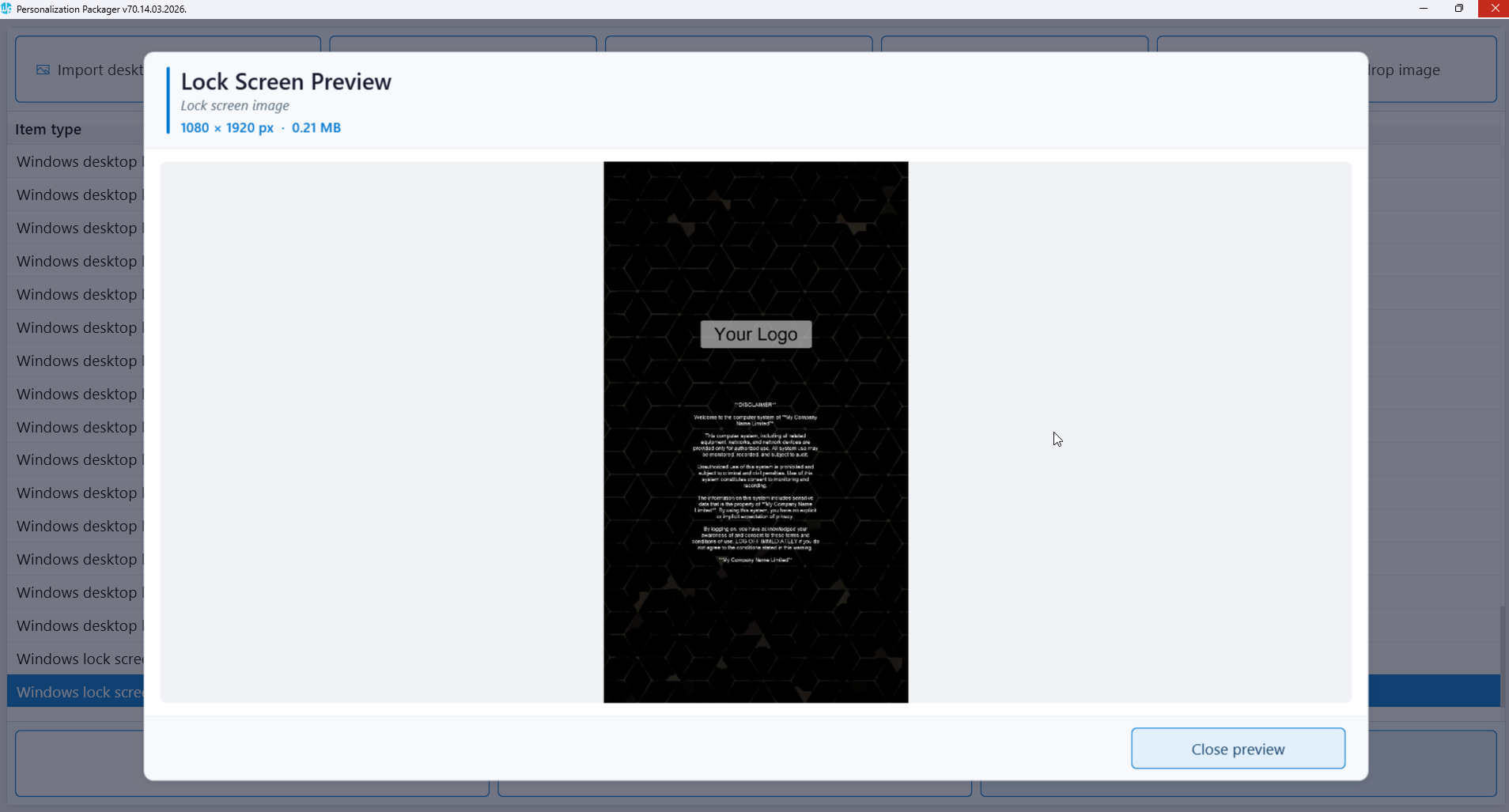
Lock screen Image for landscape & portrait orientation

Display device use legal disclaimer

Multiple activation triggers

Display pending reboot messages

Self-contained solution with no extra infrastructure needed

Deployment through MECM or Microsoft Intune

Screensaver
Customization

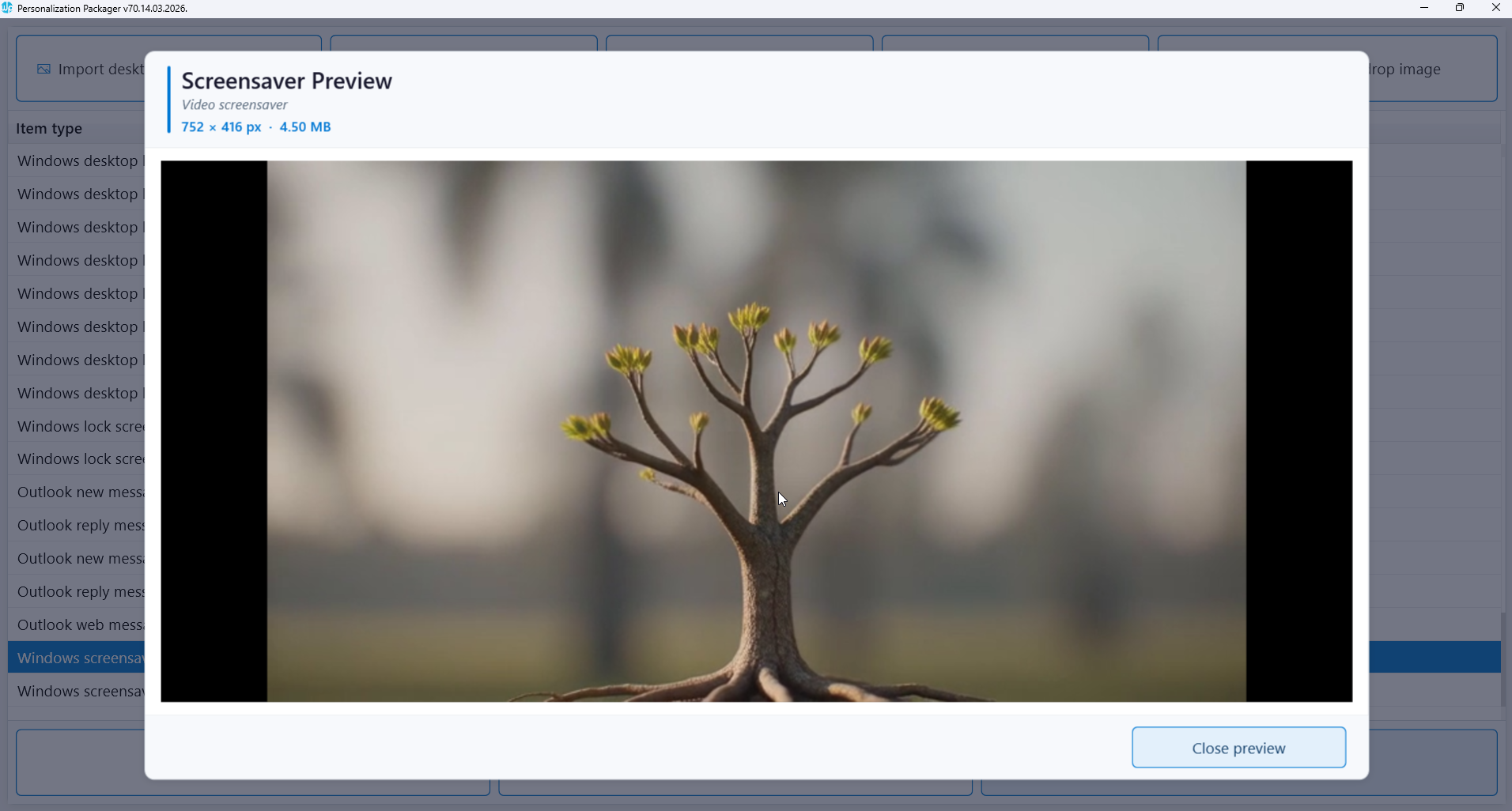
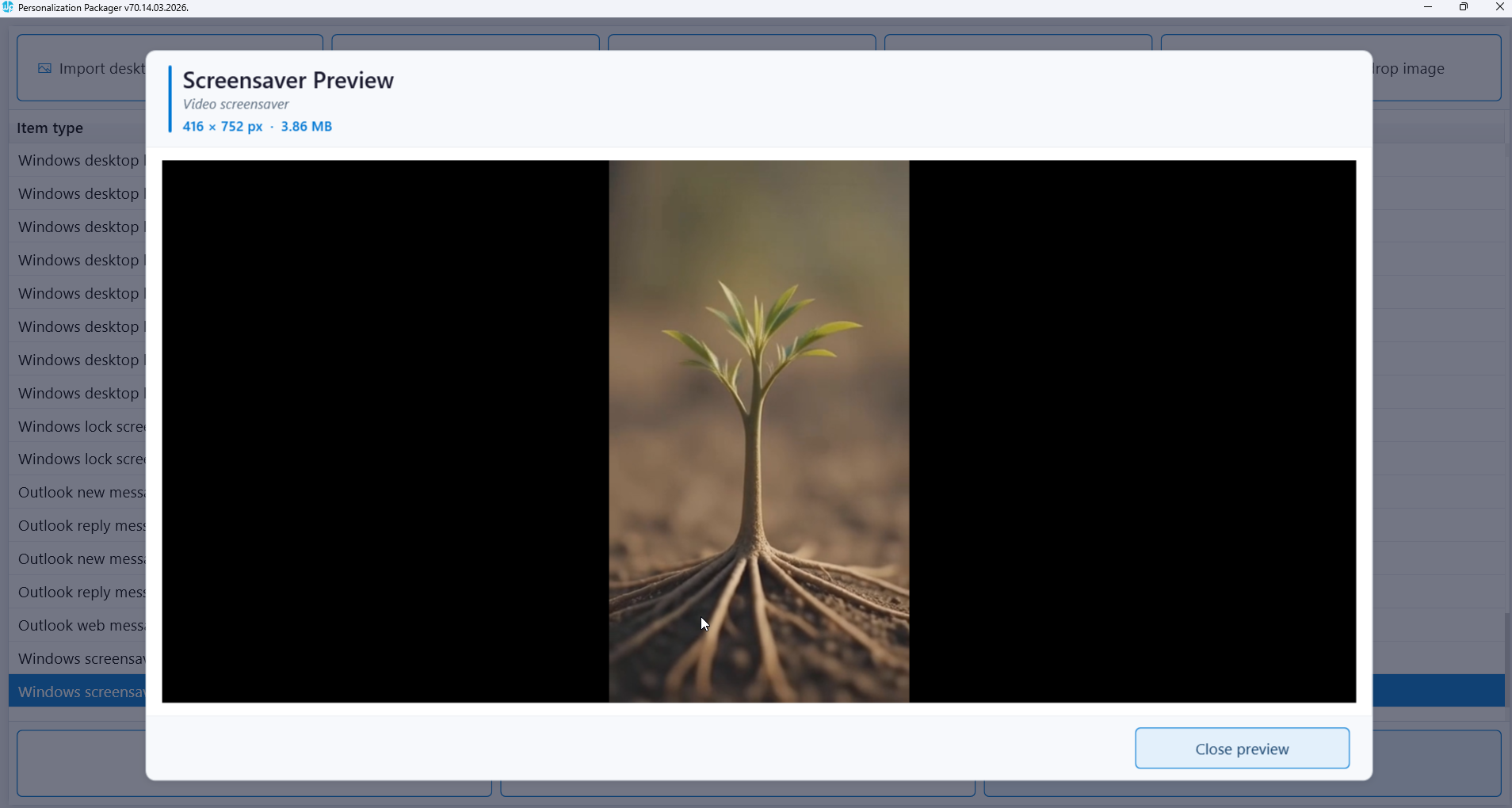
Deployment of MP4 video file as a package

Add video for landscape & portrait orientation

Use for internal promotions and communications

Display pending reboot video messages

Independent solution with no additional infrastructure required

Deployment using Configuration Manager or Microsoft Intune

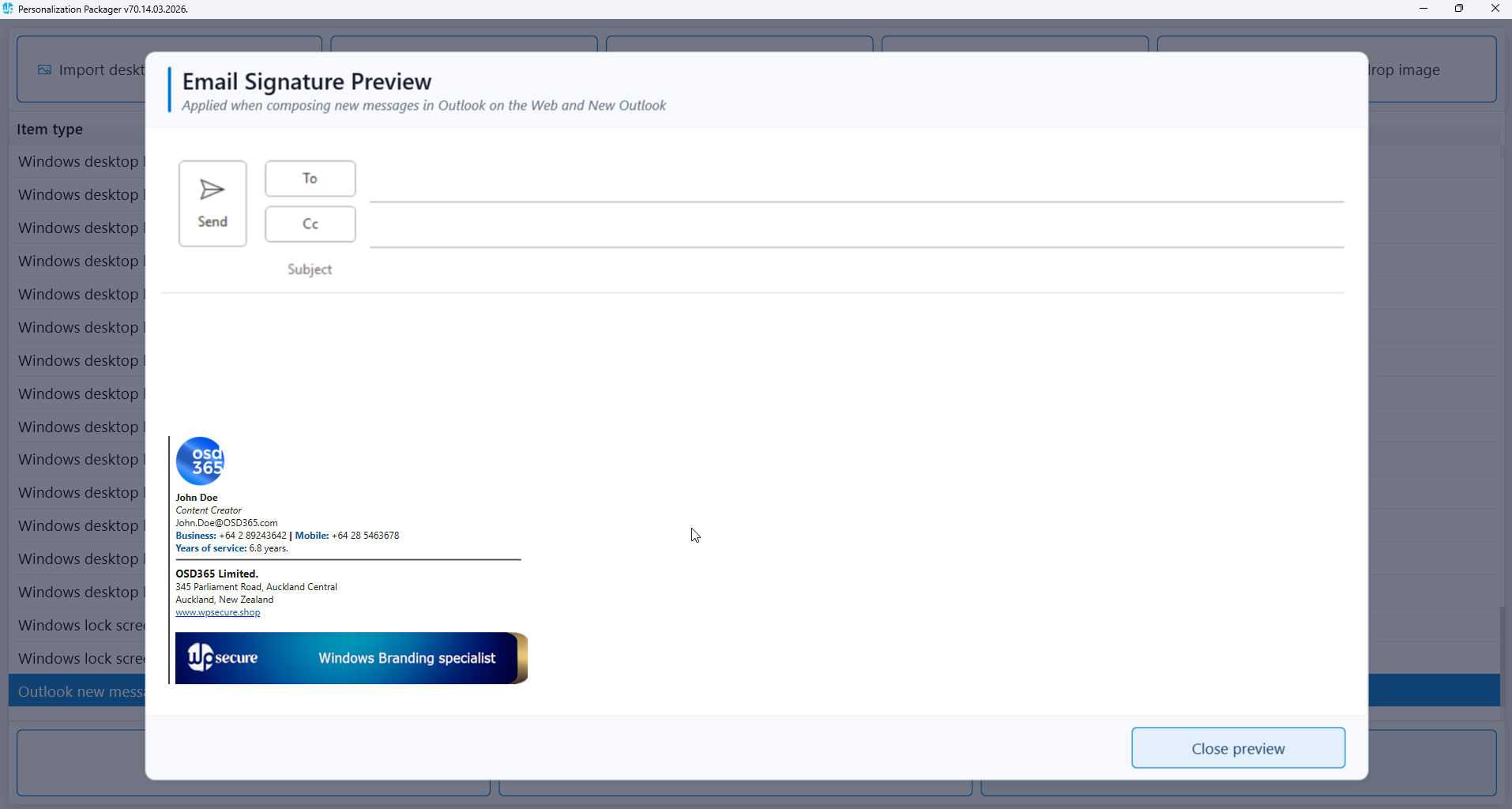
Set Outlook Signature Centrally

Outlook signature
Customization

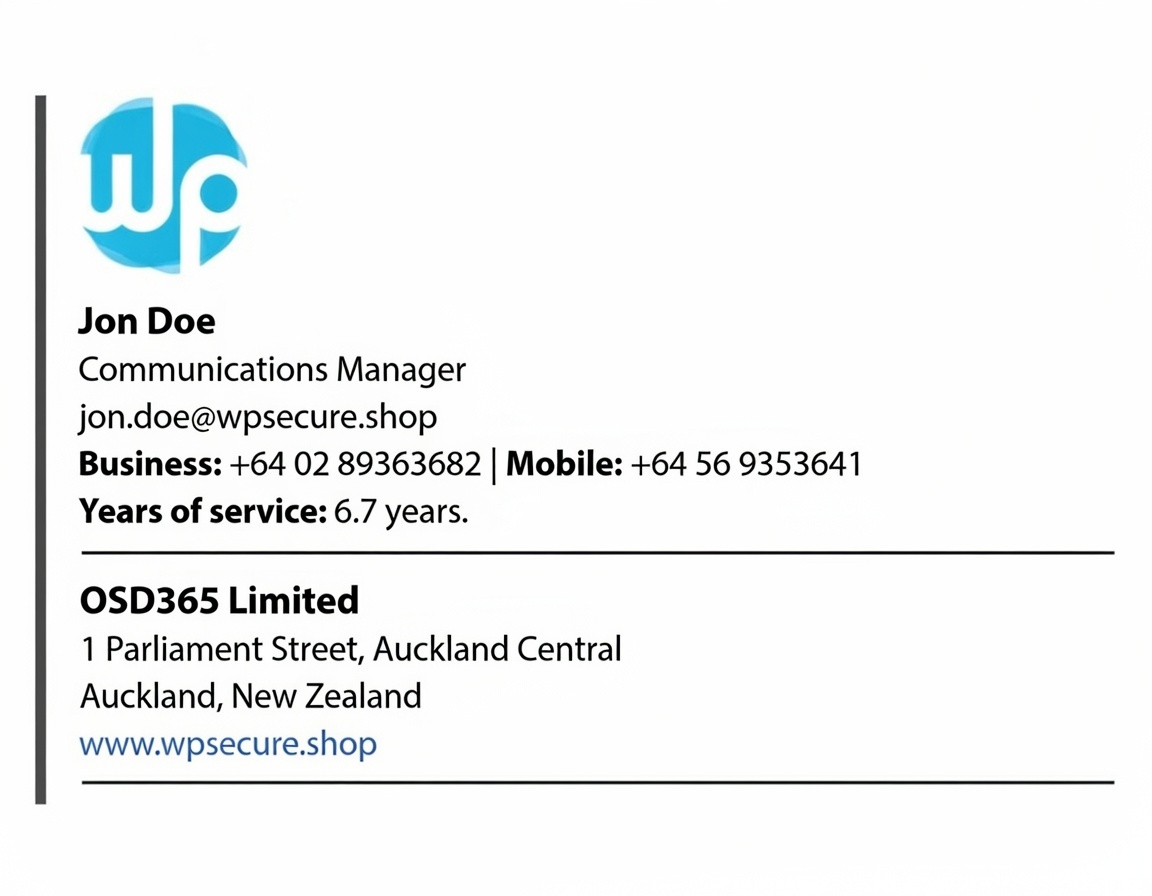
Add personalized send message signature

Add custom reply message signature

Update Outlook web signature

Effortless User attribute substitution

Self-contained solution with no extra infrastructure needed

Deploy using Microsoft Endpoint Configuration Manager or Intune

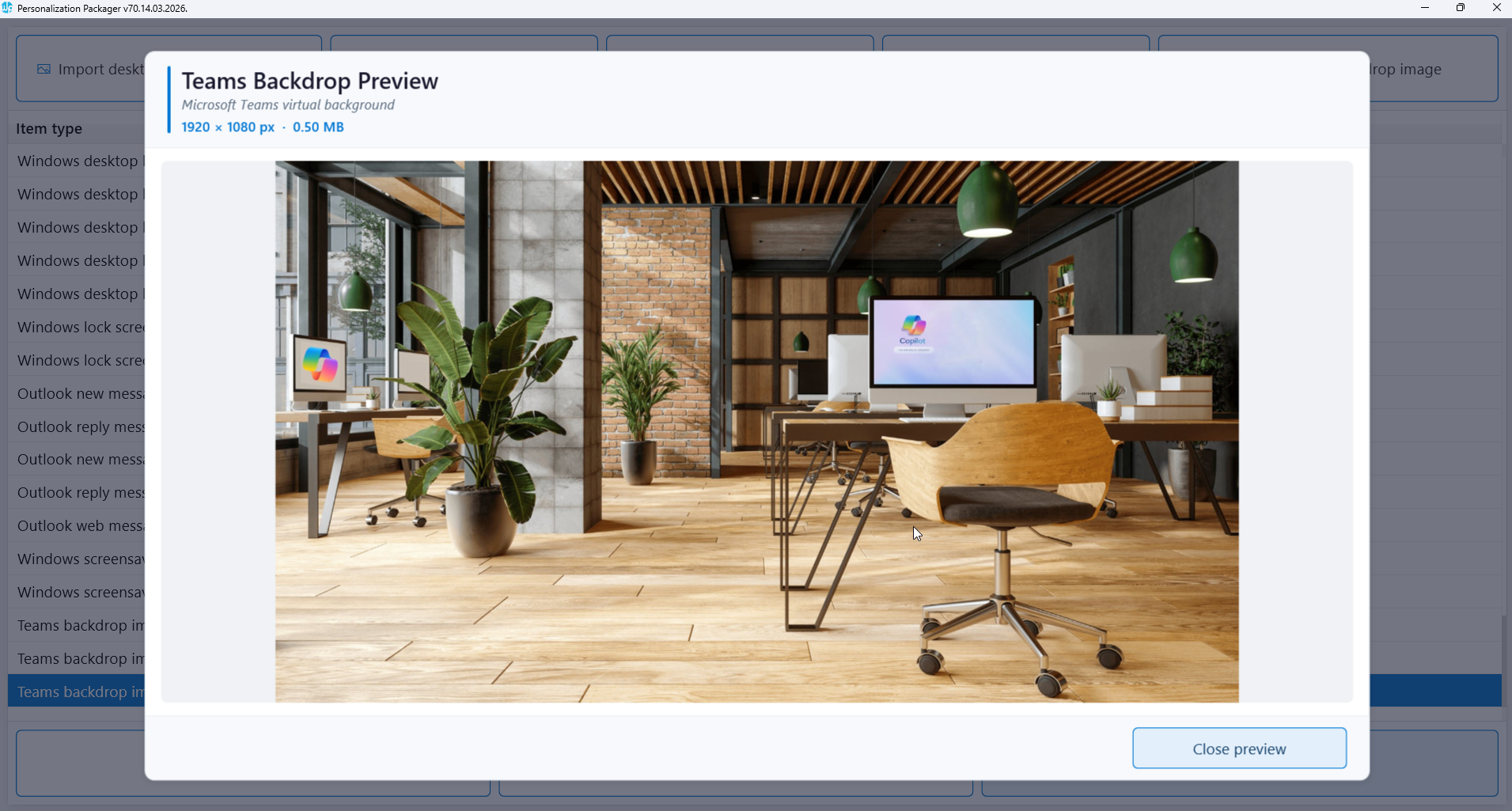
Teams background
Customization

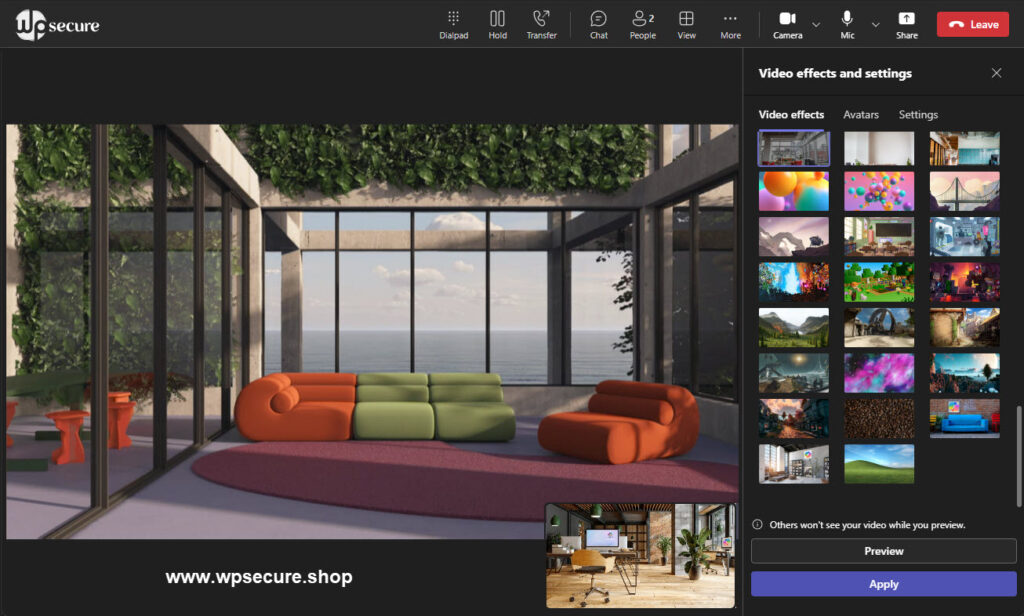
Centrally deploy Teams backgrounds

Deploy multiple Teams backgrounds

Easily uninstall or replace Teams backgrounds

Creates silent installation packages

Independent solution with no additional infrastructure required

Deployment using MECM or Microsoft Intune

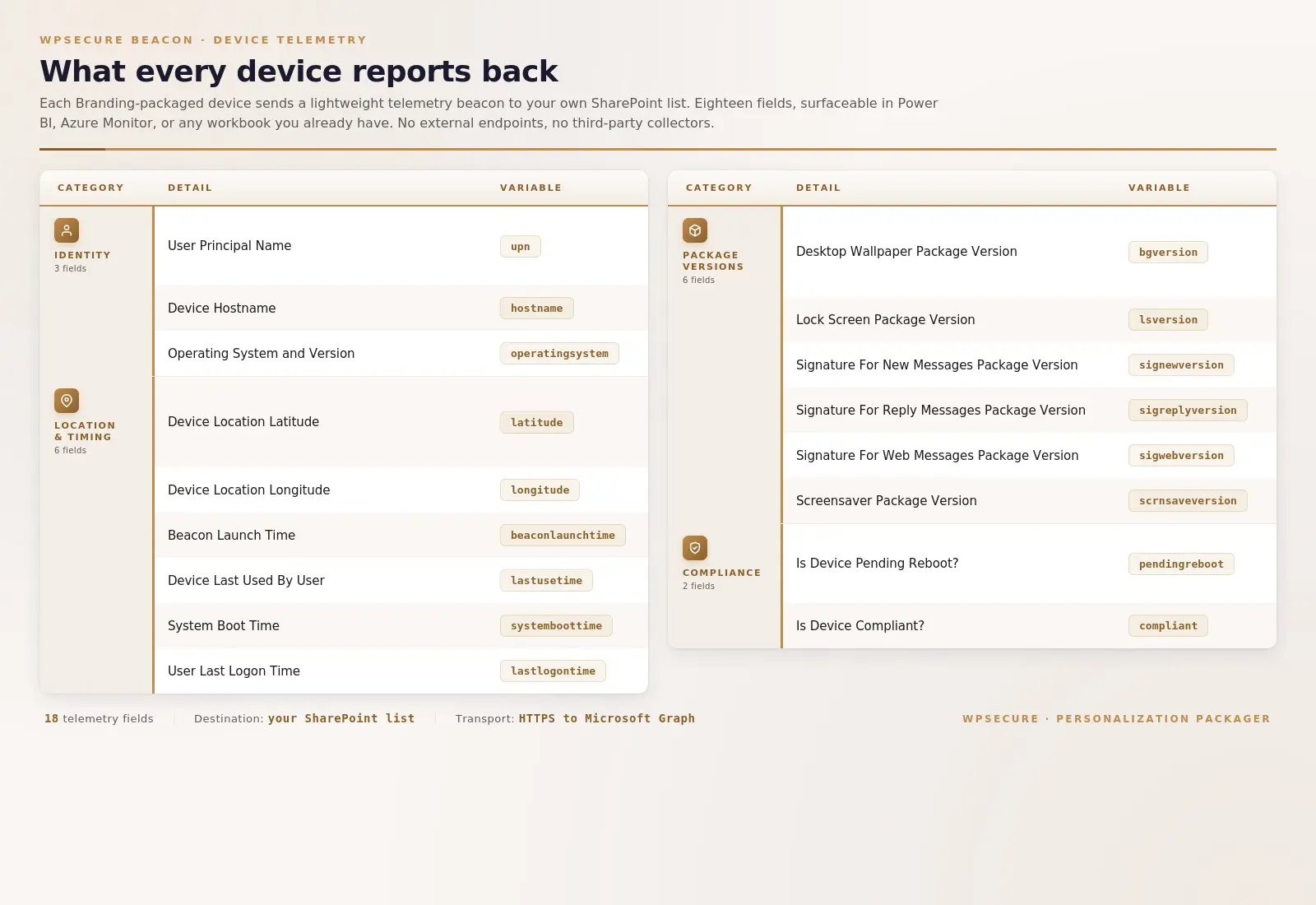
Send Beacon messages to
SharePoint Online

Find which device the user logged on to.

Find the geolocation of the device.

The last time the device was used.

System boot time of the device.

The time the user logged on to the device.

Send a becon containing these messages at a schedule

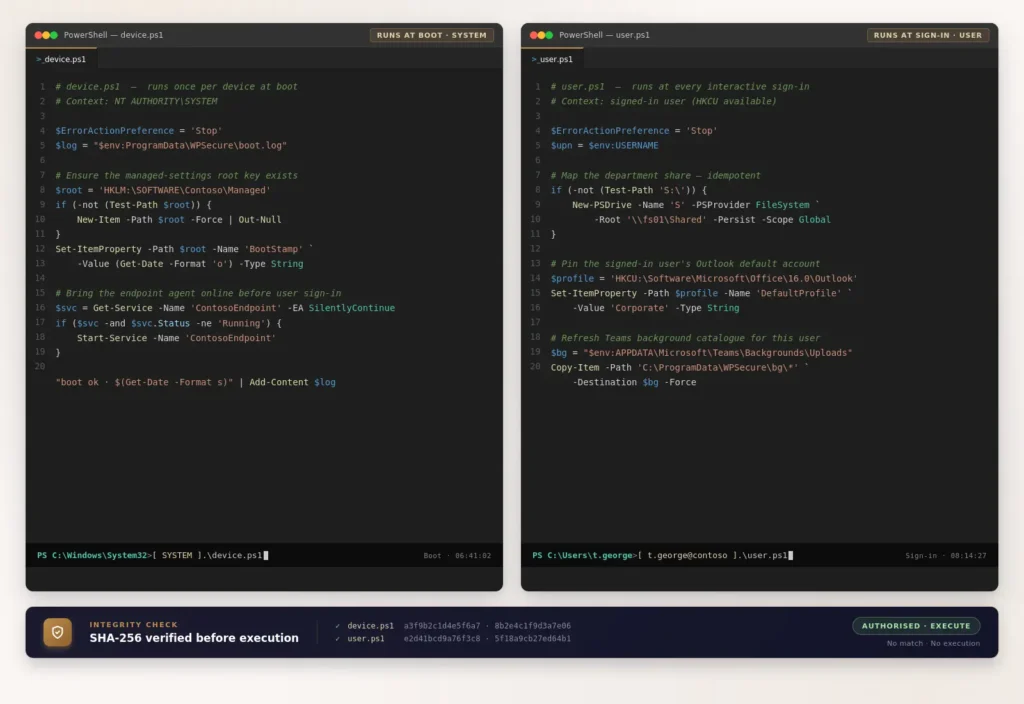
Device Startup And User Login Powershell Script

Device & User scripts

Device startup PowerShell script

User login PowerShell script

Device desired configuration management

Desired configuration management for Users

All Powershell scripts are hash verified

Single command script deployment

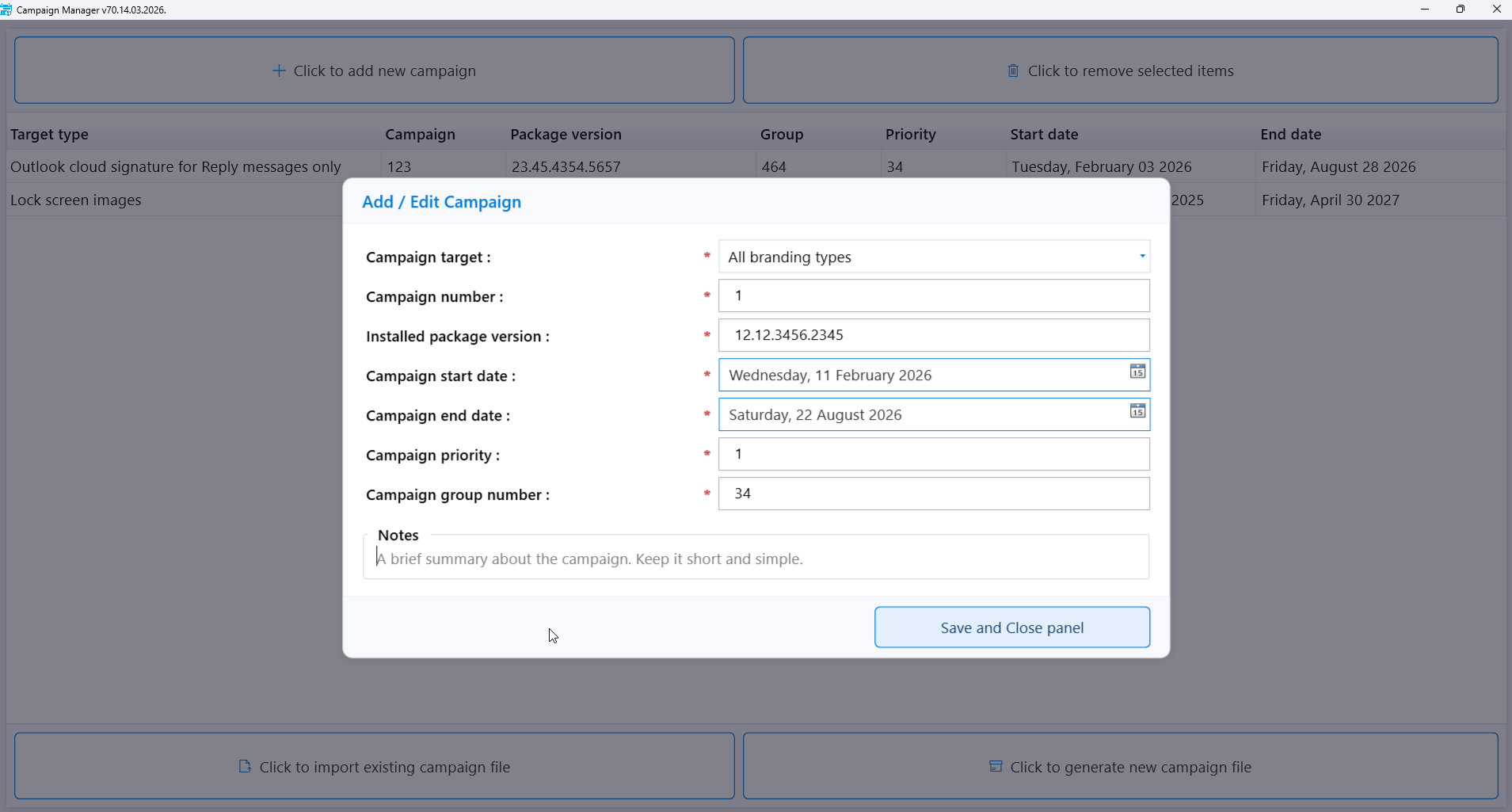
The Campaign manager

You can install up to 5 different personalization packages on each device.

Each package can include desktop background images, lock screen images, Teams backdrop images, Outlook signatures, and  Windows Screen Savers, and you can set them to start on specific dates.

You can plan these changes ahead of time, even months in advance.

You can filter and organize them by group, start date, end date, and priority.

Finally, you can deploy the campaign file as a package using tools like Microsoft Intune or Microsoft Endpoint Configuration Manager.