012_Deploy Outlook Email Signatures via Intune — No Scripts, No Third Parties
Outlook email signatures Intune deployment guide Deploy and manage Outlook email signatures via Intune using the Windows Branding Tool. This page covers how to centralise Outlook email signatures Intune deployments across your Windows 10 and Windows 11 device fleet without PowerShell scripting or third-party services. Outlook email signatures Intune deployment has never been simpler — […]
001_Advanced Management of Desktop Wallpapers, Lock Screens, Outlook Signatures, Teams Backgrounds & Screensavers with Intune and MECM
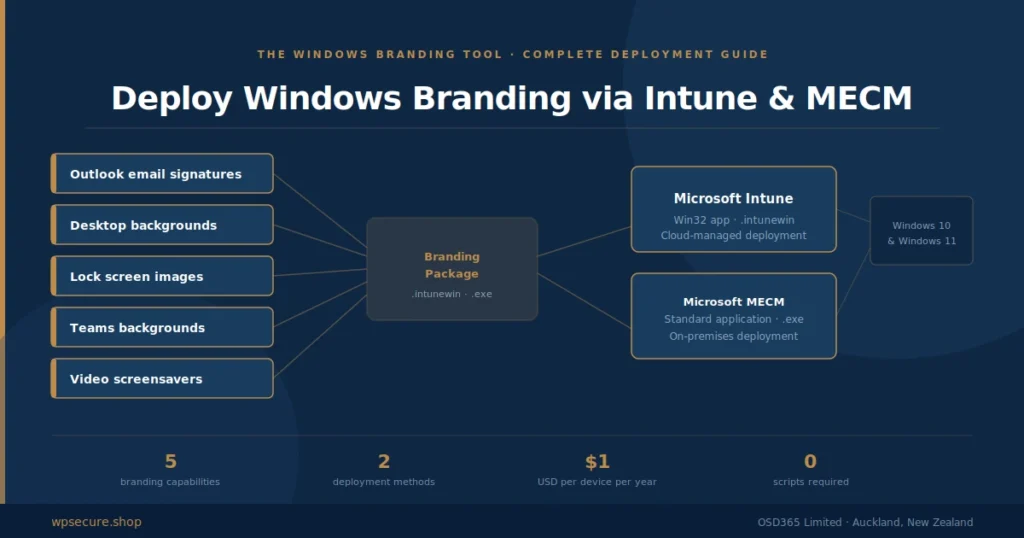
This article will discuss how to design, create, deploy, and set Windows personalization items like Outlook email signatures, desktop wallpapers, lock screen images, and video screensavers using Microsoft Intune. It will be an end-to-end guide for setting up the personalization of the above items. This article is written just for you if you run an organization with over 10000 employees and a mix of networked and cloud-managed devices. I hope you find this article informative.
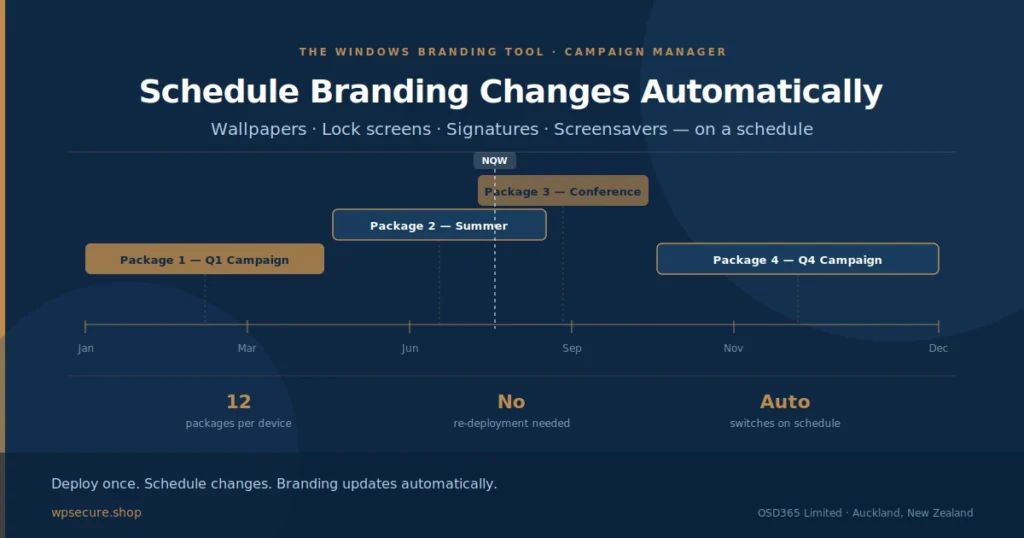
010_Changing Wallpapers, Lockscreen and Screensavers On A Schedule
Creating and deploying Outlook email signature templates to Outlook New / Outlook Web Users within your organization. Organizations can use this approach to deploy Outlook signatures like a standard application using Microsoft Intune.
002_Deploy Microsoft Outlook Signature using Microsoft Intune or MECM.
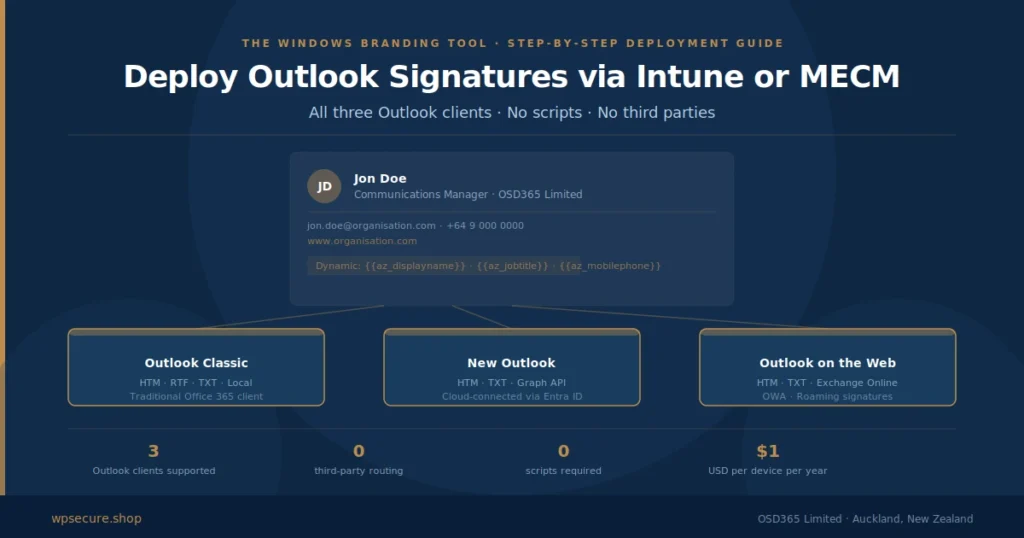
Creating and deploying Outlook email signature templates to devices within your organization. Organizations can use this approach to deploy Outlook signatures like a standard application using Microsoft Intune.