Effortless

Enterprise

Desktop Branding

Using this tool, you can create UNLIMITED branding install packages containing Windows desktop backgrounds, lock screen images, Outlook signatures, Teams backdrop images, or video screensavers.

Deploy these packages just like you would deploy any standard application, like Google Chrome or Adobe Reader, using Microsoft Endpoint Configuration Manager or Microsoft Intune.

CREATE BRANDING INSTALL PACKAGES CONTAINING DESKTOP BACKGROUNDS, LOCK SCREEN IMAGES, OUTLOOK SIGNATURES, TEAMS BACKGROUND IMAGES & VIDEO SCREENSAVERS.

The WPSecure Personalization Packager, also known as the Windows Branding Tool, is a valuable tool for IT folks that lets you bundle Windows branding elements, including desktop backgrounds, lock screens, screensavers, Outlook signatures, and Teams backdrops. Then you silently deploy the bundled package across Windows 10 or 11 devices, which is super easy. It’s as easy as deploying Google Chrome or Adobe Reader DC.

Your Windows device branding journey starts here.

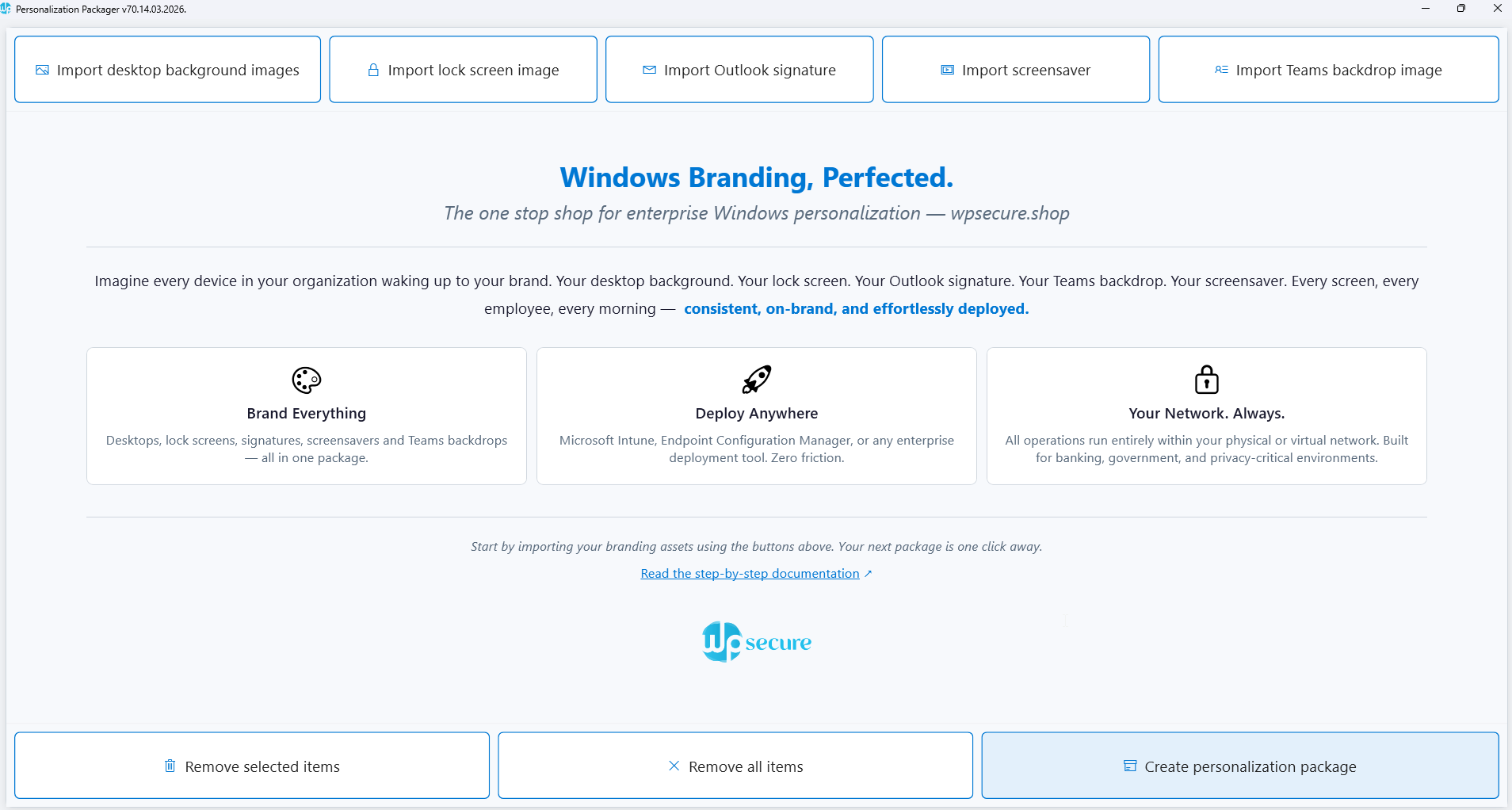
The Personalization Packager (also known as the Windows Branding Tool) is an excellent tool with a simple interface that helps you create powerful brand installation packages for your Windows 10 & 11 fleet, containing the following items.

Download the tool from the Microsoft Store. Click on the button on the top right of this page, and you will be guided down the right path. 

A personalization/branding package is created using the Personalization Packager (a.k.a. Windows Branding Tool).

These branding packages do more than carry branding assets for installation on a device; they actively enforce and refresh your brand identity at key triggers. Each package is powered by workflows refined through years of research, fully self-contained, and designed to run locally for maximum reliability.

Each package contains one or more of the following items.

You can create multiple branding packages using the Packaging tool and easily deploy them to thousands of devices using software deployment tools such as Microsoft Endpoint Configuration Manager, Microsoft Intune, or similar tools.

The Personalization Packages were primarily designed to provide an easy and effective way of deploying and setting desktop backgrounds, lock screen images, Microsoft Outlook signatures, Teams backdrop images, or video screensavers.

But we decided to turn things up a notch. As of now, you can do the following.

New features are added monthly, so update your WPSecure Personalization Packaging tool regularly to stay ahead.

After you create a Personalization/branding Package, it can be easily deployed to thousands of devices using software deployment tools such as Microsoft Endpoint Configuration Manager, Microsoft Intune, or similar tools.

Organizations can choose to deploy multiple packages side by side or remove all existing branding packages and replace them with a new branding package. After the Personalization Package is deployed, the WPSecure engine will select either the highest Package version or the one specified by the Campaign Manager for each of the following personalization items. 

All of the above personalization items are made available locally on the Windows device, so this solution is well-suited for high-security devices and for devices that do not have access to the Internet.

You can install up to 5 personalization packages side-by-side on each device.

After installing the Personalization Packager (Branding tool) from the Microsoft Store, using it is very simple. Just add one or all of the following items and create the Package.

You would require the expertise of a graphics design specialist to create the above personalization items. But you can put them together as a deployment package using the Branding tool.

After the package is created, give it to your IT staff and ask them to deploy it using your organization’s software deployment tool, such as Microsoft Endpoint Configuration Manager or Microsoft Intune.

Before deploying the package for the first time, ask your IT support staff to prepare the environment by verifying the required prerequisites and policies. Point them to the documentation page of this website. This page will walk them through a checklist.

If you have any doubts or issues, please get in touch with us. Internal communications is our expertise, and we are here to help.

Yep. We’ve done our best to create a video sequence that explains the end-to-end process for creating a branding package and deploying it using Microsoft Intune. But keep in mind, we constantly add features that might not be included in the video below. The video has the following flow.

Desktop Background Issues

Lock Screen Problems

Outlook Email Signature Issues

Screensaver Problems

Teams Background Issues

Deployment Issues

General pain points

Create Complete Windows Branding Packages in Minutes — No Scripting Required

Transform your existing desktop wallpapers, lock screens, Teams backgrounds, Outlook signatures, and screensaver videos into a ready‑to‑deploy Windows branding package in under five minutes.

Your internal communications or brand team can build the package themselves and hand it to IT for deployment.

Secure. Local. Fully Under Your Control.

Every branding package runs entirely within your on‑premises or cloud environment.

Perfect for government, finance, defence, and any organisation where data sovereignty matters.

Centralised Creation, Distributed Deployment

Build packages once. Deploy them anywhere.

Whether you manage a global enterprise, multiple business units, or regional offices, you can:

Works seamlessly with Microsoft Intune, Microsoft Endpoint Configuration Manager, and other standard device‑management platforms.

Designed for Every IT Skill Level

Branding deployments shouldn’t require advanced scripting or automation expertise. With WPSecure Personalization Packager:

Perfect for dynamic teams with varied or changing skillsets.

Built for Scale

The bigger your organisation, the greater the value.

Centralise branding capability within a single team, then let IT teams—worldwide—deploy using their existing processes, tools, and schedules, ensuring consistent branding across tens, hundreds, or thousands of devices.

A Game‑Changer for Managed Service Providers

MSPs can deliver repeatable, consistent branding deployments across all client environments:

Perfect for MSPs managing multiple clients across diverse industries.

The Result

A cleaner, faster, safer way to deploy Windows branding—without scripts, without complexity, and without adding new tools to your environment.

Brand your organisation. Not your IT budget.

You can install 5 personalization packages per device and pay only 1 US$ / Device Year.

You can use the Personalization Packager to create an unlimited number of branding packages. The devices that receive and install these packages should be licensed and can install up to 5 of them side by side. Each branding package can include one or more of the following branding items.

We don’t offer discounts because our focus is on delivering a high-quality product at an exceptionally low cost, just $1 per device per year.

Our guiding principle is simple: keep pricing accessible so every organization, regardless of size, location, or budget, can afford to subscribe.

We can do one better. The best way to get acquainted with the product is through direct, hands-on use.

Click the download button in the top right corner of this page to download from the Microsoft Store and try the full version of the Personalization Packager (The Branding Tool).

Also, remember we are here to help. When in doubt, contact us before or after buying a subscription. We are good at what we do. We are in this for the long haul. We are in this to make your ‘Windows Branding’ perfect.

A Feature-Rich Yet Simple Windows Branding Tool

Enterprise Desktop Branding

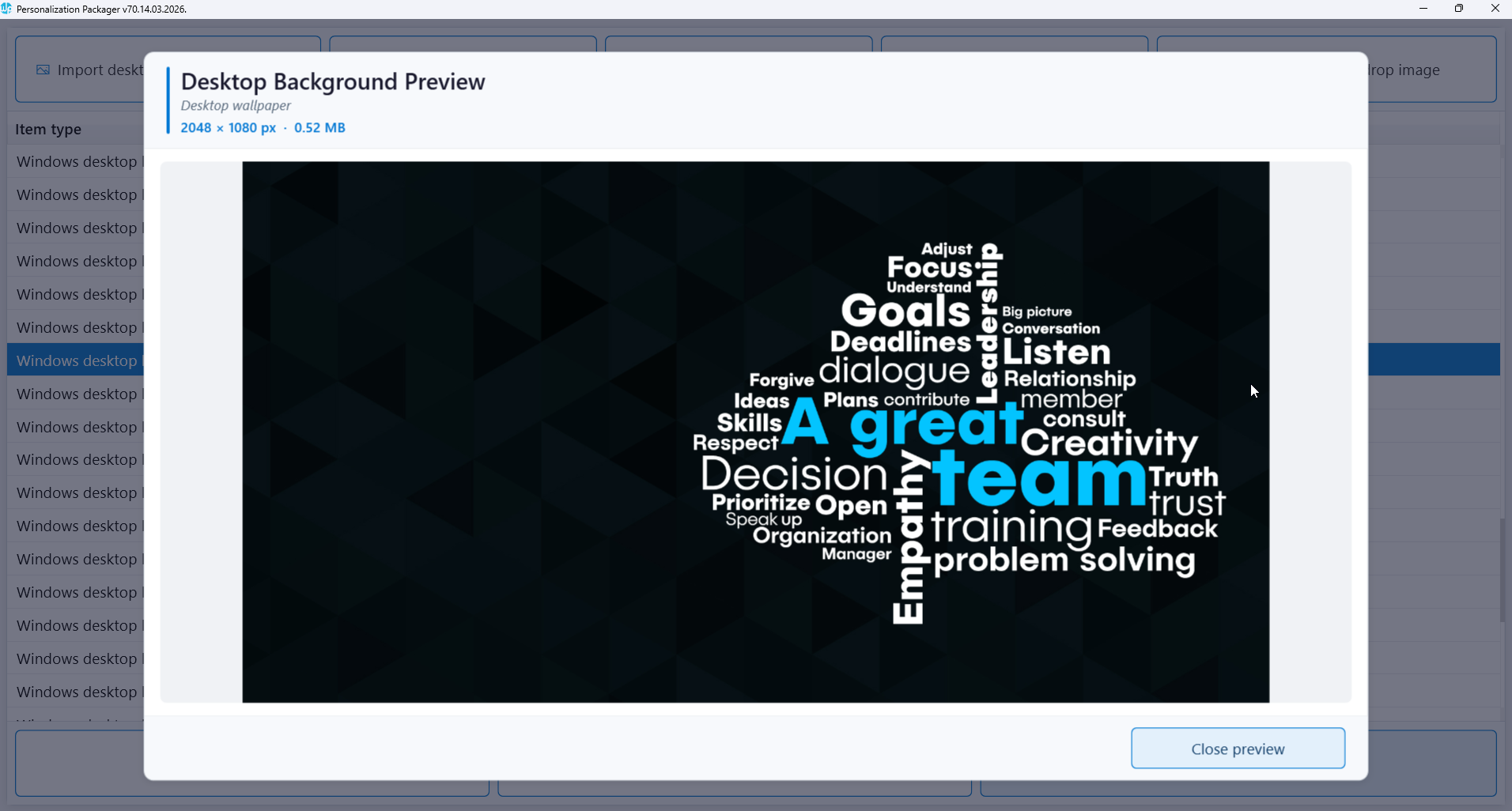
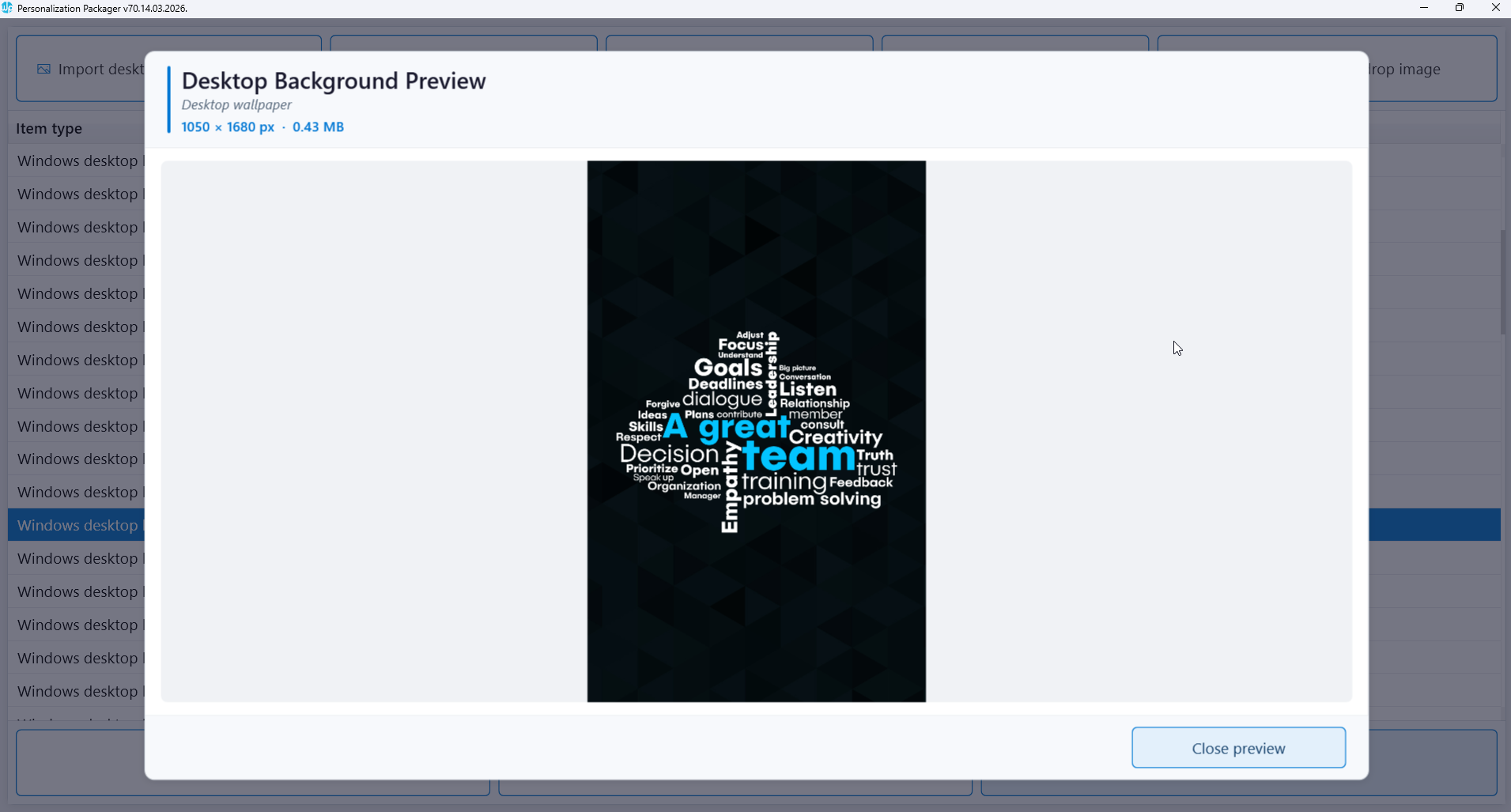
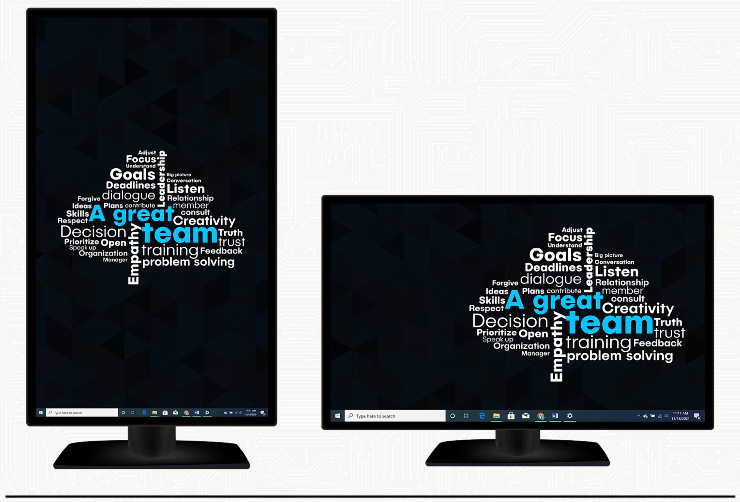
Set Windows desktop wallpaper

Support images for multiple screen resolutions

Compatibility with various screen orientations

Auto-adjustment to screen configuration changes

Display pending reboot messages

Standalone solution requiring no additional infrastructure

Deploy package using Config Manager or Microsoft Intune

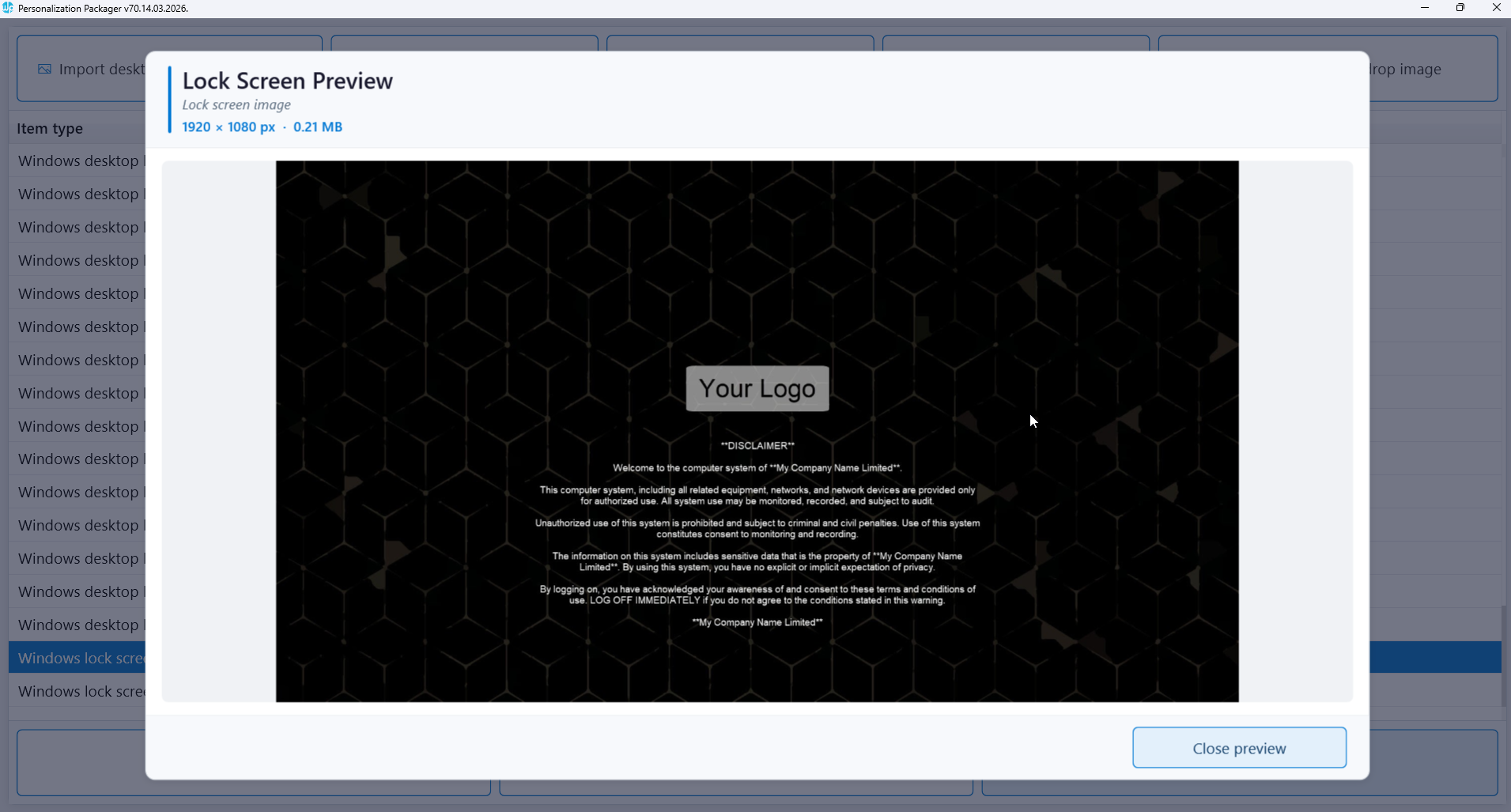
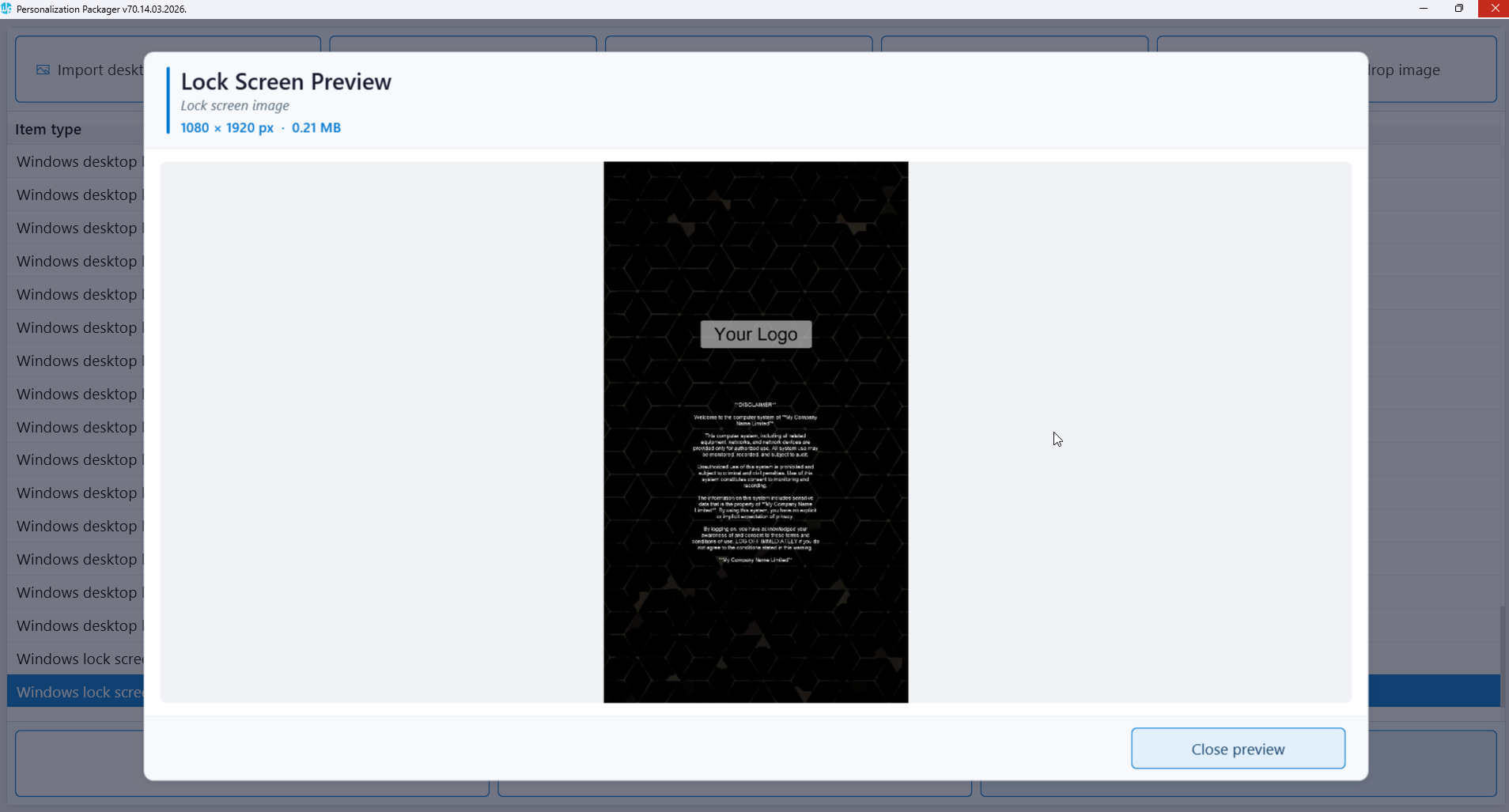
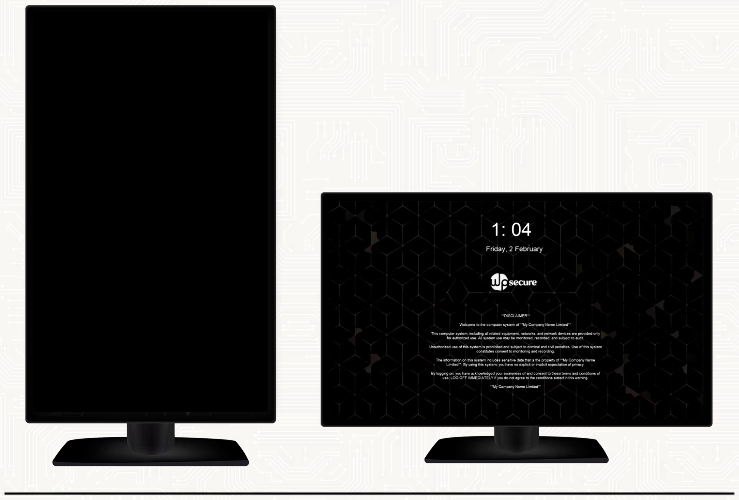
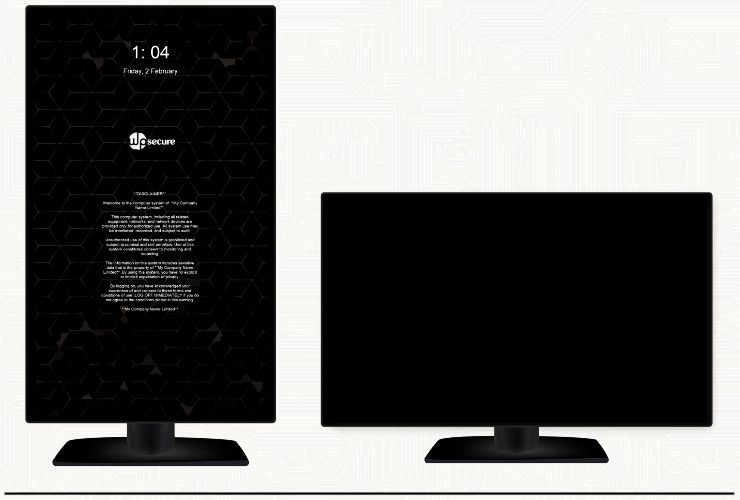
Set Windows lock screen

Lock screen Image for landscape & portrait orientation

Display device use legal disclaimer

Multiple activation triggers

Display pending reboot messages

Self-contained solution with no extra infrastructure needed

Deployment through MECM or Microsoft Intune

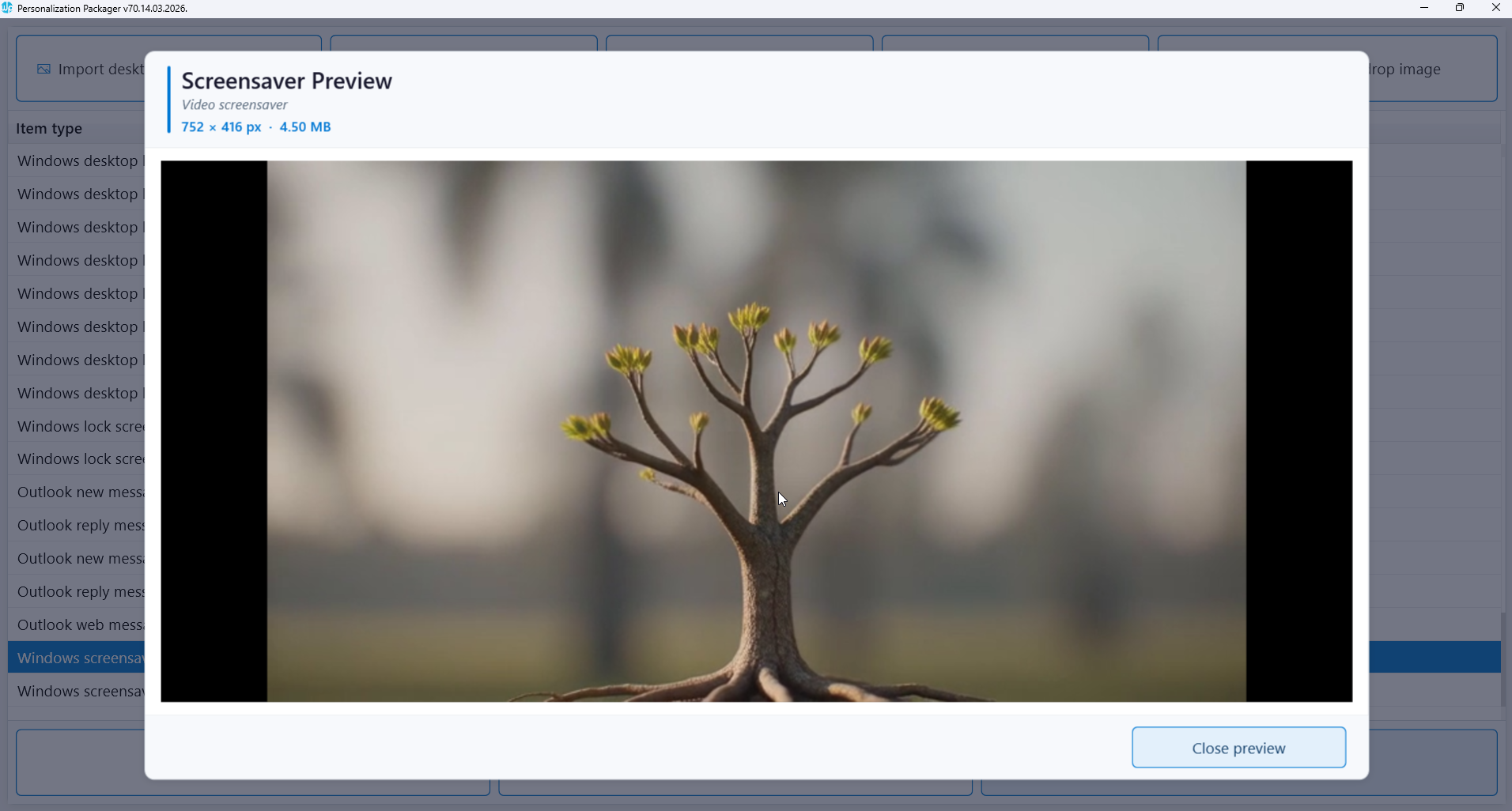
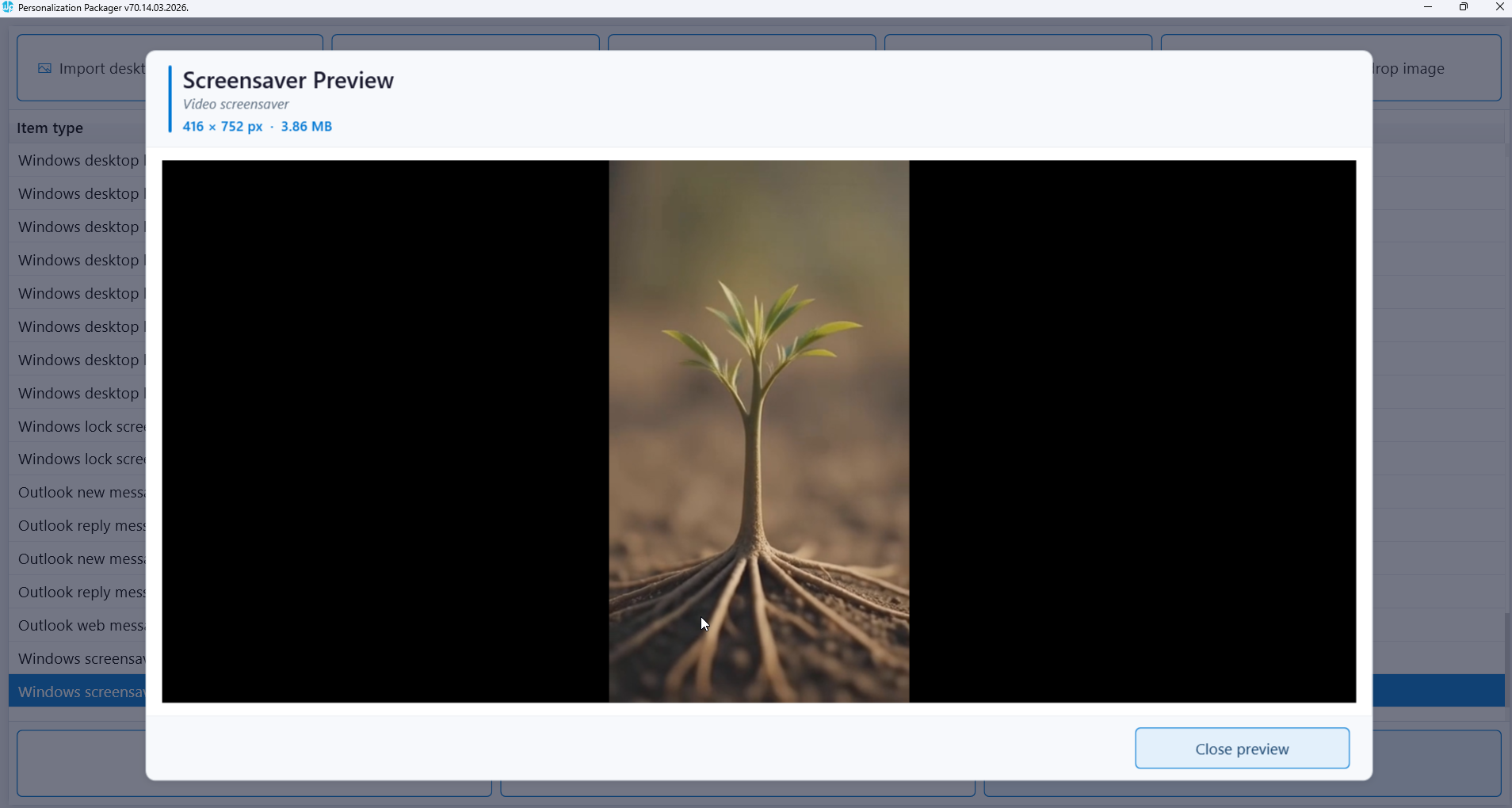
Set Windows screensaver

Deployment of MP4 video file as a package

Add video for landscape & portrait orientation

Use for internal promotions and communications

Display pending reboot video messages

Independent solution with no additional infrastructure required

Deployment using Configuration Manager or Microsoft Intune

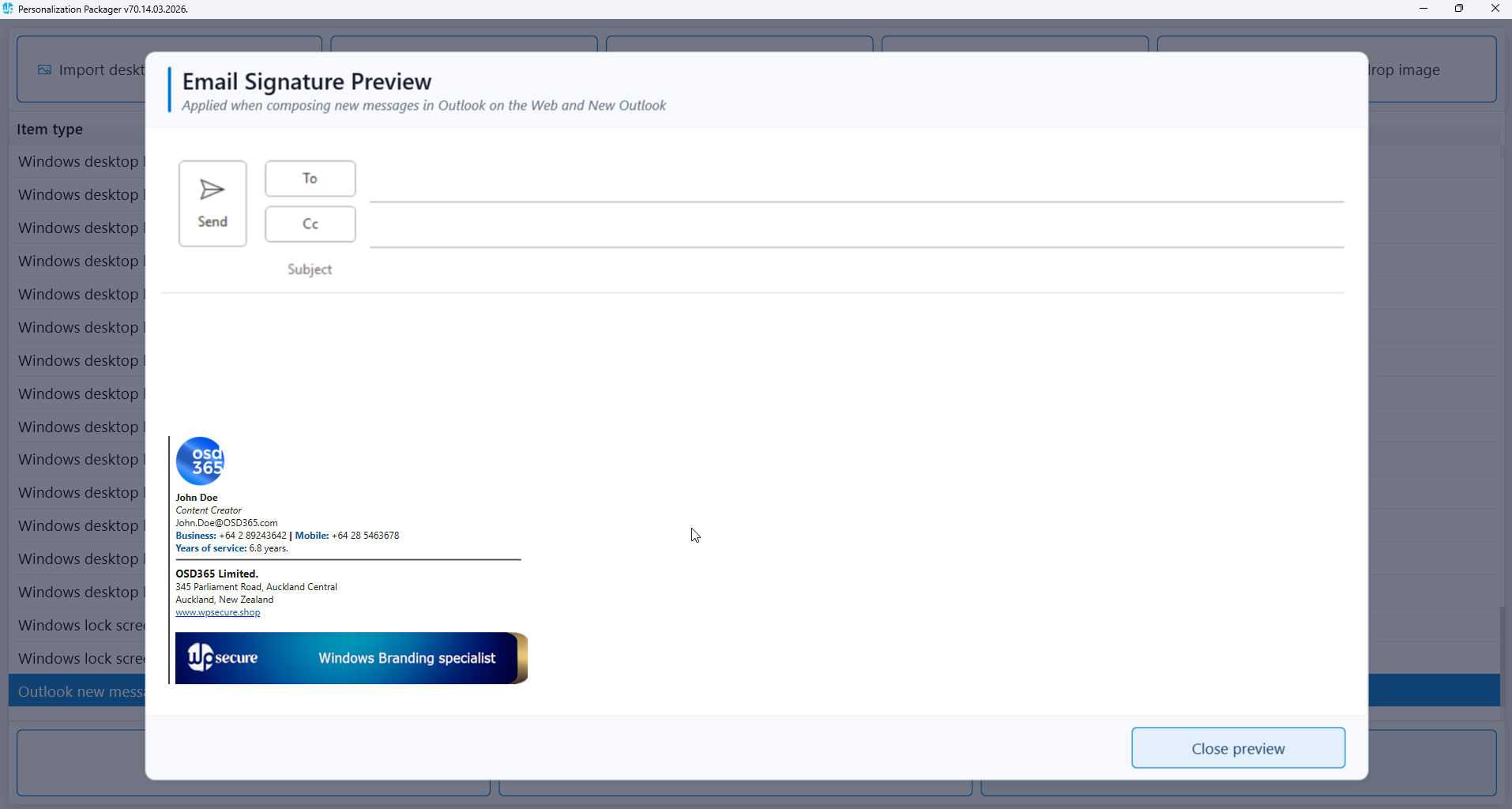
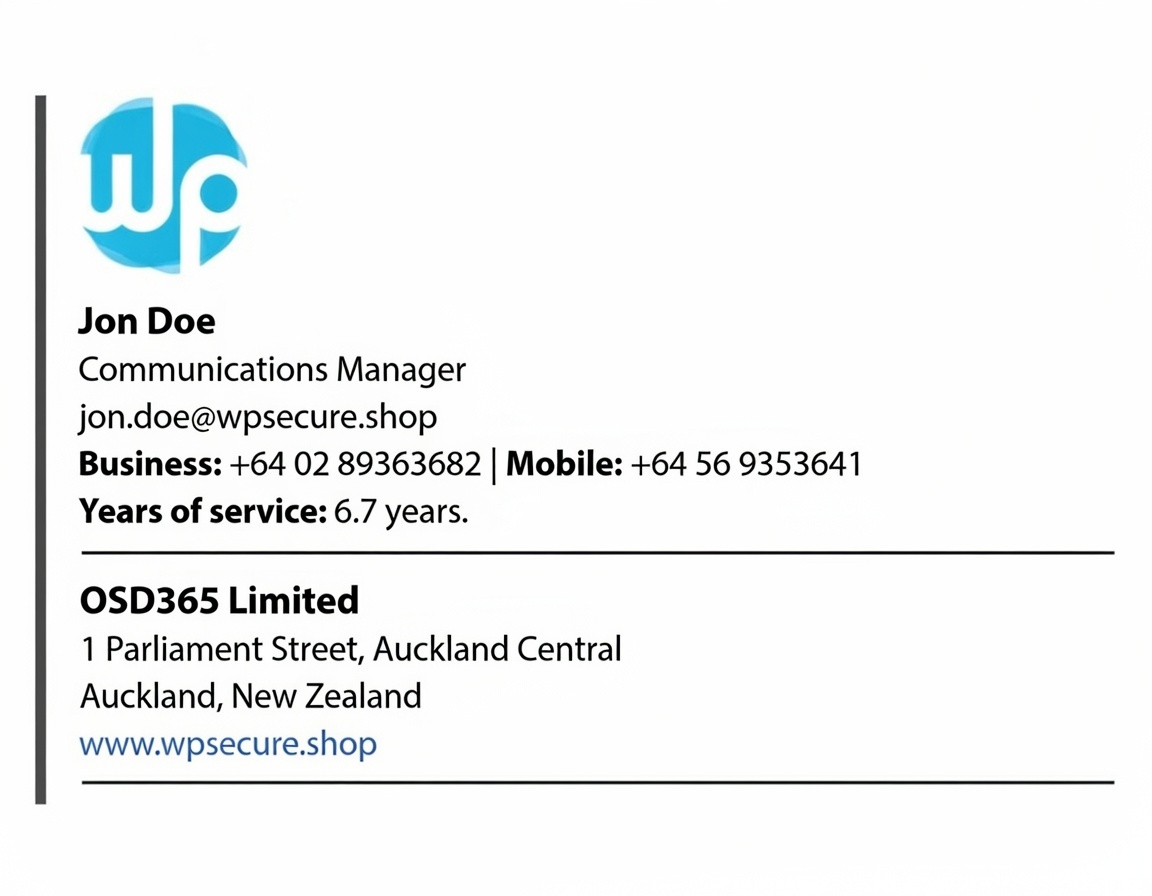
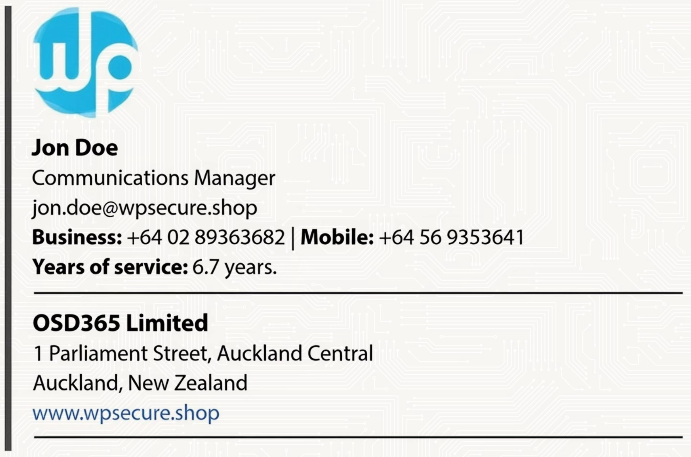
Set Outlook Signature Centrally

Set Microsoft Outlook signature

Add personalized send message signature

Add custom reply message signature

Update Outlook web signature

Effortless User attribute substitution

Self-contained solution with no extra infrastructure needed

Deploy using Microsoft Endpoint Configuration Manager or Intune

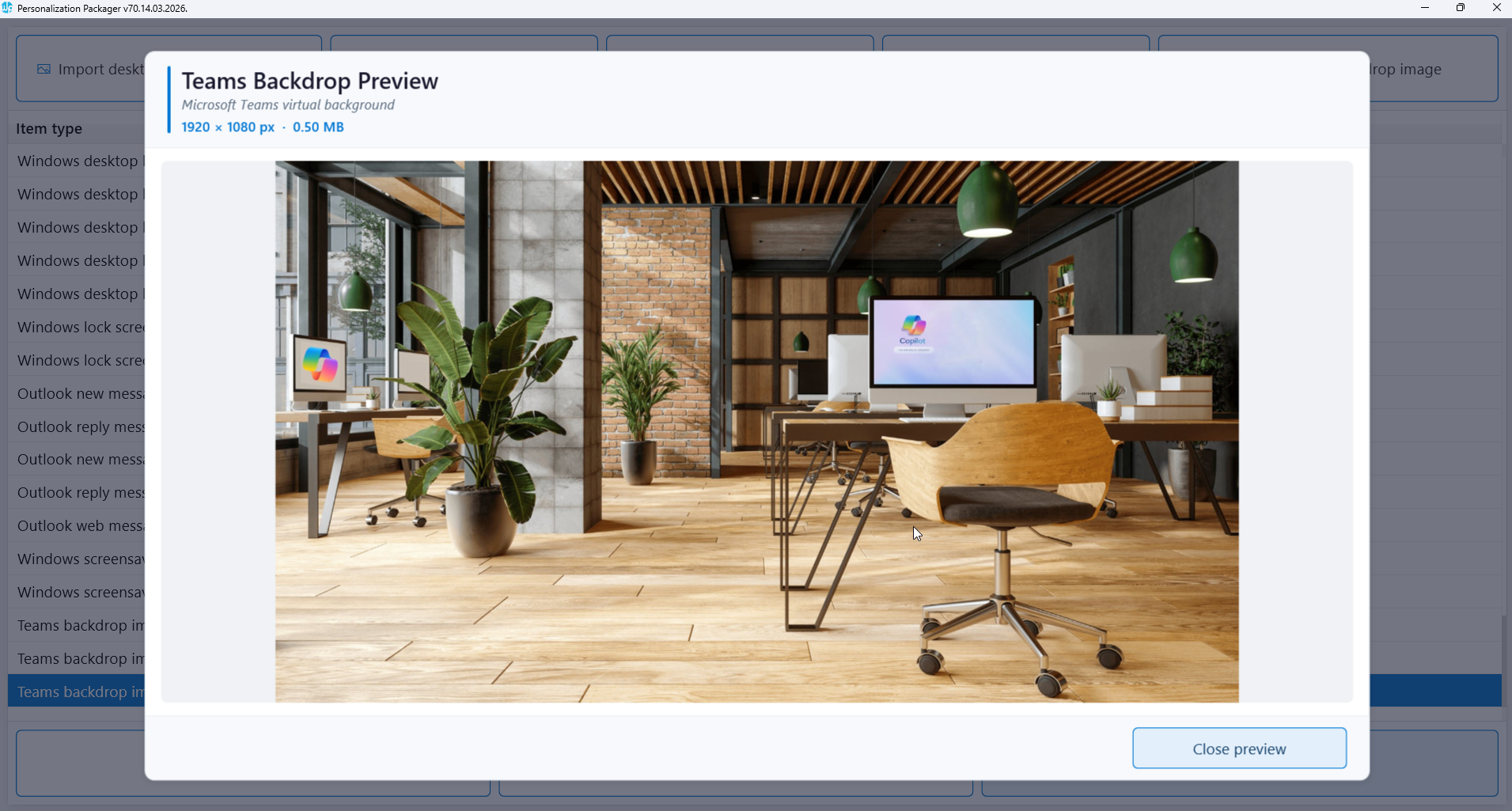
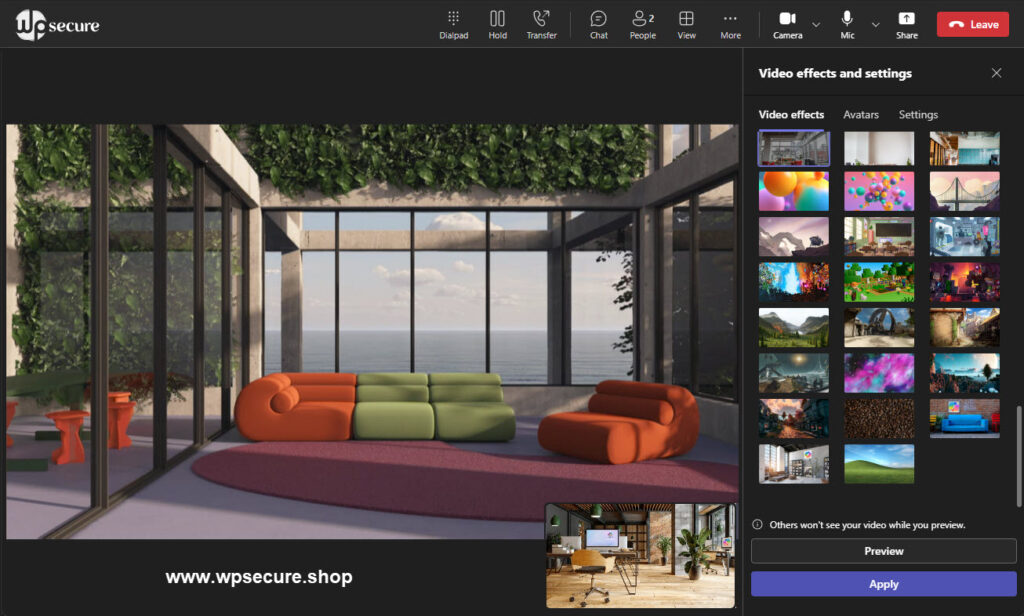
Set Microsoft Teams backgrounds

Centrally deploy Teams backgrounds

Deploy multiple Teams backgrounds

Easily uninstall or replace Teams backgrounds

Creates silent installation packages

Independent solution with no additional infrastructure required

Deployment using MECM or Microsoft Intune

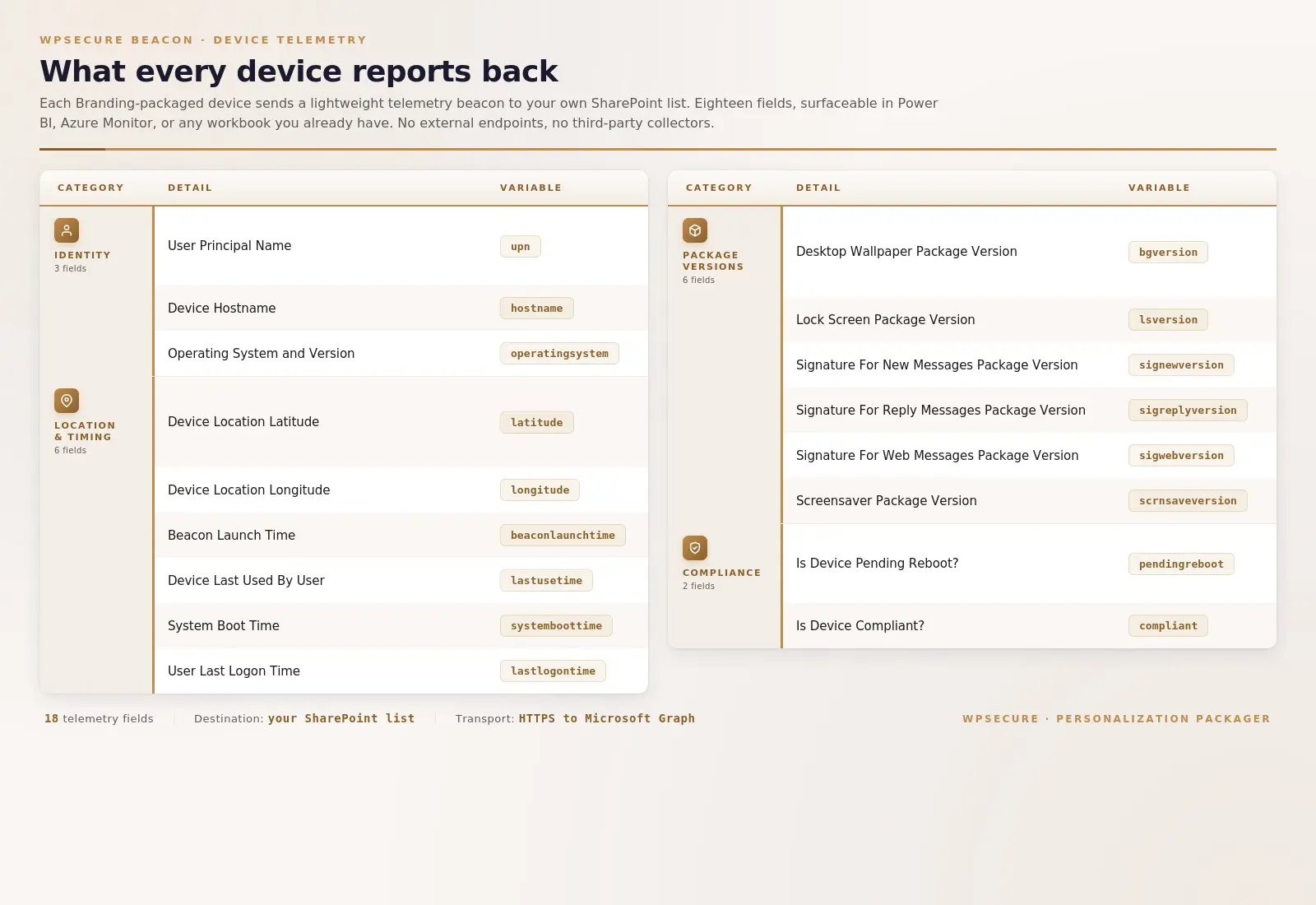
Save analytics to Sharepoint

Find which device the user logged on to.

Find the geolocation of the device.

The last time the device was used.

System boot time of the device.

The time the user logged on to the device.

Send a becon containing these messages at a schedule

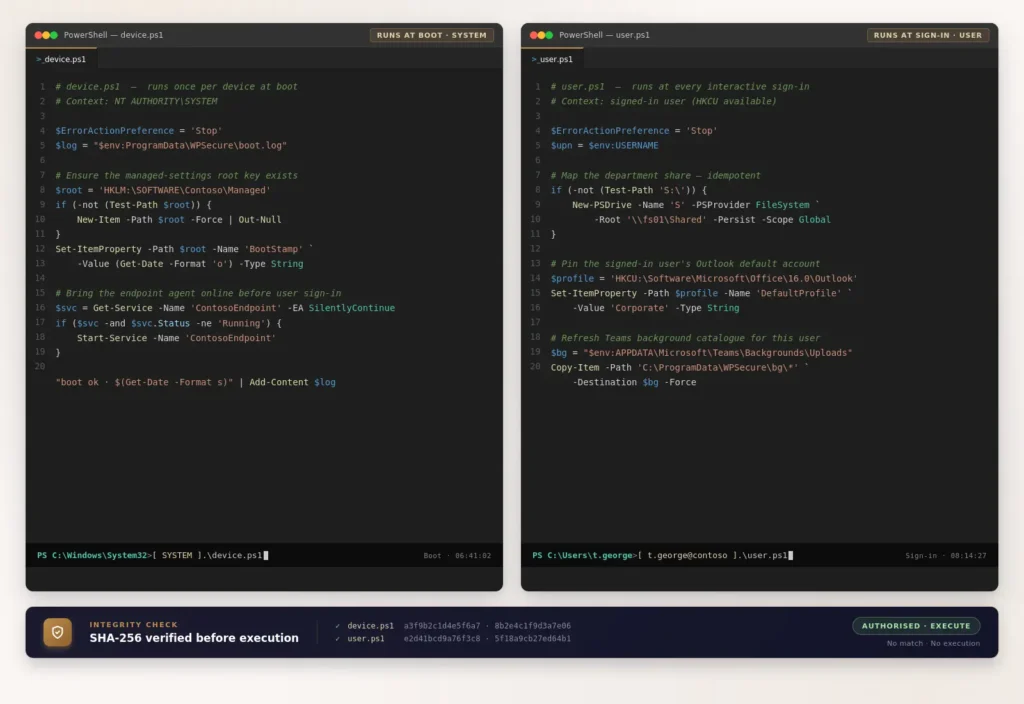
Device Startup And User Login Powershell Script

Device & user scripts

Device startup PowerShell script

User login PowerShell script

Device desired configuration management

Desired configuration management for Users

All Powershell scripts are hash verified

Single command script deployment

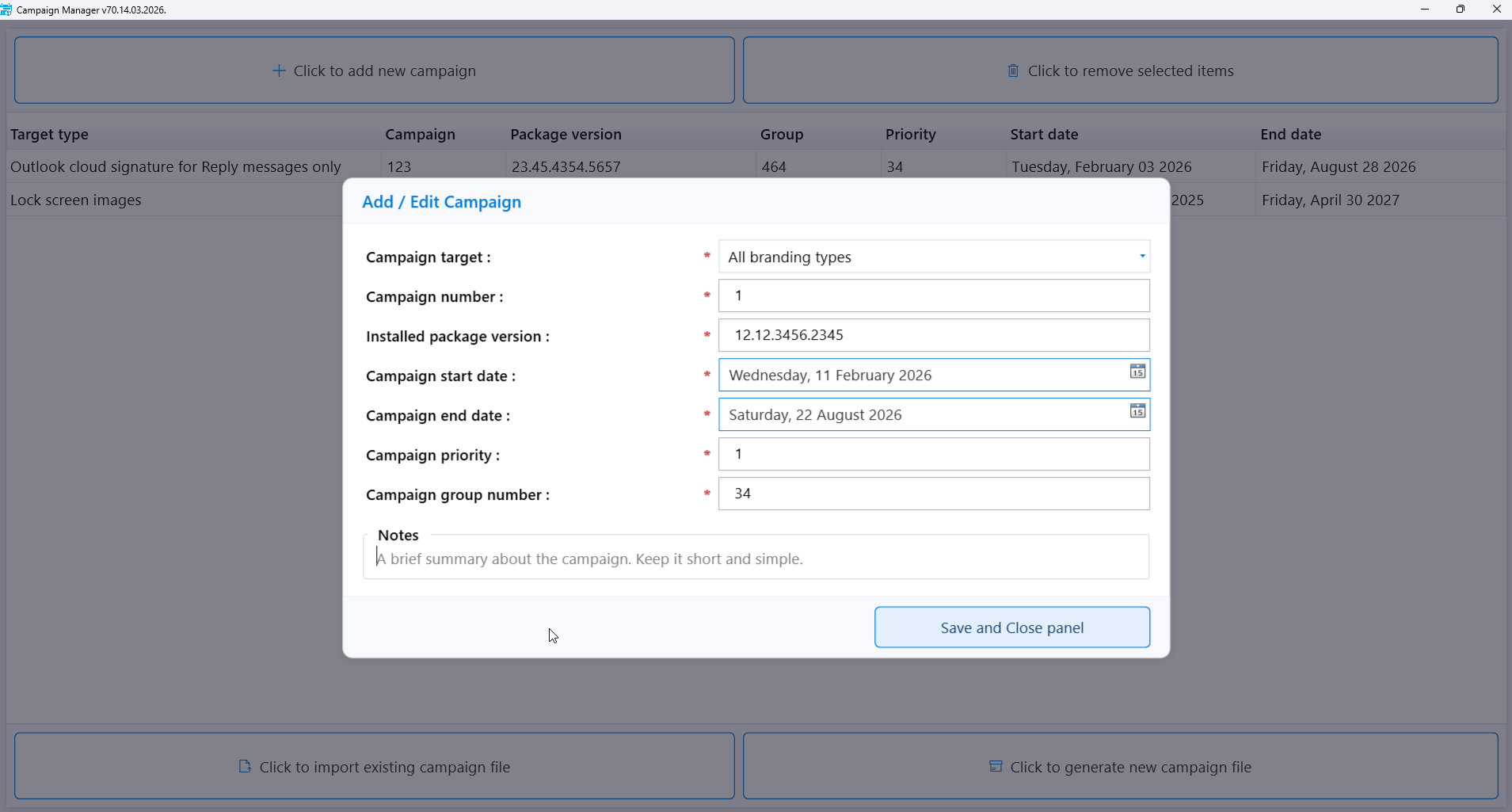
The campaign manager

You can install up to 5 different personalization packages on each device.

Each package can include desktop background images, lock screen images, Teams backdrop images, Outlook signatures, and  Windows Screen Savers, and you can set them to start on specific dates.

You can plan these changes ahead of time, even months in advance.

You can filter and organize them by group, start date, end date, and priority.

Finally, you can deploy the campaign file as a package using tools like Microsoft Intune or Microsoft Endpoint Configuration Manager.